Zoho Books: What It Does, What It Costs and When to Get Help
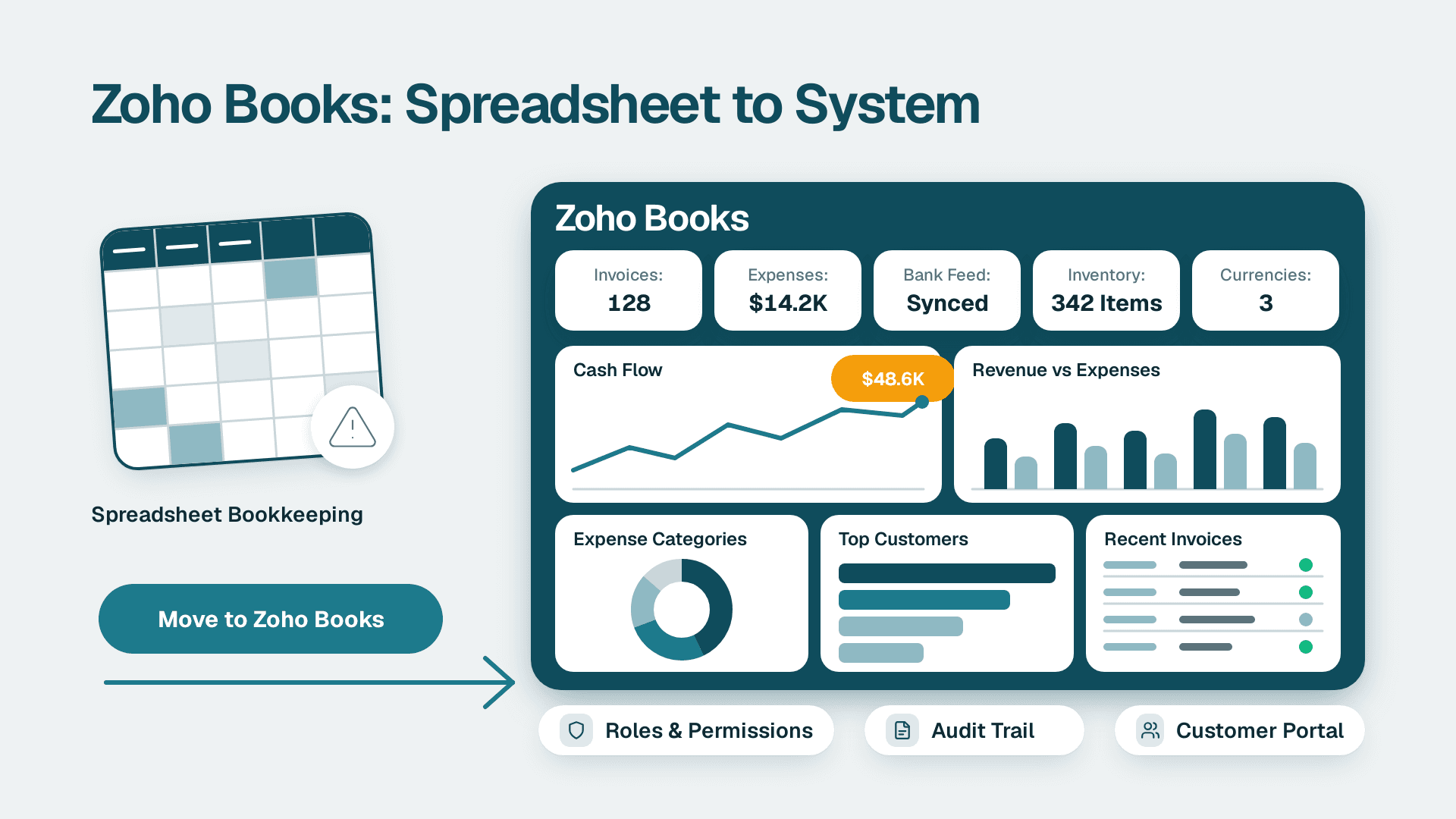
Zoho Books is cloud-based accounting software that handles invoicing, expenses, bank transaction tracking, inventory and multi-currency accounting in one system. For a growing US, UK or Canadian business, it beats spreadsheets on control and audit trail, and it suits teams outgrowing basic bookkeeping tools. Setup needs a consultant when you are migrating years of history, running several currencies or tax regimes, or connecting other systems.
Key Takeaways
- Zoho Books replaces spreadsheet bookkeeping with bank-linked records, roles and permissions, and customer and vendor portals.
- There is a Free Plan for very small businesses and five paid tiers, and prices differ between the US and global editions.
- Multi-currency is built in, but VAT, GST and sales tax setup must be checked against your local edition before you go live.
- A clean migration depends on data preparation and a planned cutover date more than on the import tool itself.
- Bring in a specialist when history, tax complexity or integrations make a mistake expensive to unwind.
What does Zoho Books do for a growing business?
Zoho Books covers the full accounting cycle for a small or mid-sized company: you raise invoices, record bills and expenses, match bank transactions, track stock and report on results without moving data between tools. Zoho describes its feature areas as Receivables, Payables, Inventory, Projects and Reports (Zoho Books product page, 2026).
The product is not new. It launched in 2011, according to the Zoho Corporation entry on Wikipedia, and its feature set has matured accordingly. In practice, a growing business gets value from five areas.
- Receivables: invoices, customer portals and an Early Payment Discount feature that lets you offer cash discounts for manual payments made sooner than expected.
- Payables: vendor bills, expense capture and a vendor portal.
- Inventory: reorder points and reminders, with stock information updating automatically as purchases and sales are recorded.
- Projects: time and cost tracking against client work, useful for service firms.
- Reports: financial statements and operational views you can refresh without rebuilding a workbook.
It runs on the web, on iOS and Android, and as a desktop app, and it includes roles and permissions so an owner, a bookkeeper and an outside accountant can each see only what they need.
Most businesses can run a trial on their own. Teams migrating from another package, or running more than one currency or entity, often benefit from a specialist Zoho Books implementation and migration partner, and the last sections of this guide explain exactly when that applies.
Is Zoho Books actually free, and what do the paid plans cost?
Zoho Books has a Free Plan, but it is aimed at solopreneurs and micro-businesses, not at growing companies with staff, stock or multiple currencies. Beyond that there are five paid tiers: Standard, Professional, Premium, Elite and Ultimate. Zoho also offers a 14-day free trial and a demo organisation so you can explore features without real business data.
On the US Zoho Books pricing page (2026), plans are listed per organisation per month:
| Plan | Monthly billing | Billed annually (per month) |
|---|---|---|
| Standard | $20 | $15 |
| Professional | $50 | $40 |
| Premium | $70 | $60 |
| Elite | $150 | $120 |
| Ultimate | $275 | $240 |
Listed prices exclude local taxes. The tier that fits you depends on the features you need rather than headcount alone, so read the feature comparison on the vendor page and confirm user limits before you commit.
Which regional edition of Zoho Books should you use?
Whether you search for zoho books or books zoho, you may land on different regional editions, and the prices differ. The global edition lists Standard at $12 per month ($10 billed annually), Professional at $24 ($20), Premium at $36 ($30), Elite at $129 ($100) and Ultimate at $249 ($200). The global page also carries a banner reading "You are viewing the global version of Zoho Books. Please evaluate for local compliance before use."
Take that banner seriously. A UK or EU business should work in the edition and data centre that matches its tax rules and data residency expectations, and a Canadian business should confirm how its provincial sales tax treatment is handled before importing anything. Do not choose an edition by the lowest sticker price.
Where does Zoho Books beat spreadsheets?
Zoho Books beats spreadsheets wherever errors compound: bank matching, repeated invoicing, stock levels and access control. A spreadsheet is flexible, but it has no native bank feed, no enforced workflow and no clean record of who changed what. Those gaps are tolerable at ten invoices a month and expensive at several hundred.
| Task | Spreadsheet | Zoho Books |
|---|---|---|
| Bank transactions | Typed or pasted in manually | Tracked inside the accounting system |
| Foreign-currency invoices | Rates looked up and keyed by hand | Multi-currency with exchange rates applied automatically or manually |
| Stock levels | Updated by whoever remembers | Updates as purchases and sales are recorded, with reorder reminders |
| Access control | Whole file shared or locked | Roles and permissions per user |
| Customer queries | Emailed statements | Customer and vendor portals |
| Month-end review | Version-controlled by filename | Transactions held in one system of record |
Spreadsheets still have a place. Many finance leads keep a workbook for budgeting, scenario modelling or ad hoc analysis, and the sensible pattern is to keep the transactions in the accounting system and analyse the output elsewhere. If your reporting currently lives in Excel, the guide on how to migrate from Excel to Zoho Analytics shows how to move that layer without rebuilding it from scratch.
How does Zoho Books compare with other online accounting platforms?
The fair comparison is not about which product has more features, because the leading online accounting platforms overlap heavily on invoicing, bills and bank reconciliation. The decisions that matter are fit with your tax setup, how well the platform connects to the other tools you run, how pricing scales, and how much migration effort you are taking on.
Use these criteria when you evaluate Zoho Books against the package you use today.
1. Local tax fit. Check the edition for your country, not the marketing page. The global edition itself says to evaluate local compliance before use.
2. Pricing structure. Zoho lists prices per organisation per month, with a discount for annual billing. Compare that against how your current vendor charges, and check user limits on the tier you plan to buy.
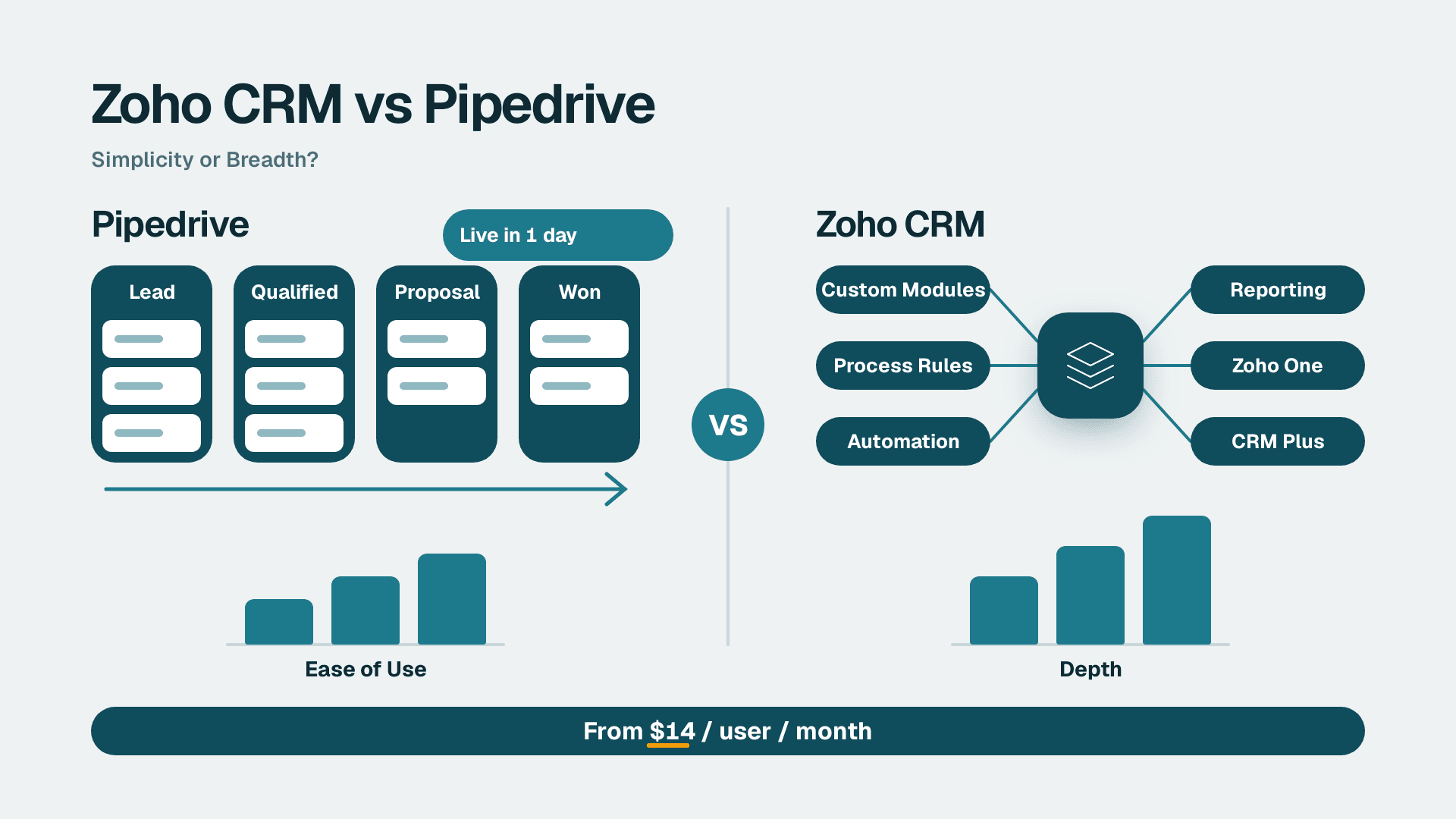
3. Ecosystem. Zoho Books sits inside a wider suite, so a business already using Zoho CRM or other Zoho apps can connect them more directly. A business with no Zoho footprint gets less from this.
4. Migration cost. The US page advertises free migration from other accounting solutions, and its testimonials mention switching from a well-known competitor. Free tooling does not remove the work of cleaning your data and validating balances.
5. Trial before commitment. The 14-day trial and demo organisation let you test your real workflow, such as a recurring invoice or a multi-currency bill, before you commit.
The honest conclusion is that a business happy with its current system and with no pain around cost, integrations or tax should not switch for its own sake. A business paying for add-ons to patch gaps, or struggling to connect its CRM and billing, has a stronger case.
How do multi-currency and VAT setup work for the UK, EU and Canada?
Zoho Books supports multi-currency accounting, and exchange rates can be applied automatically or manually. That handles the mechanics of invoicing in a foreign currency. It does not decide your tax treatment for you, which is where most setup mistakes happen.
Consider three hypothetical cases.
- A UK fintech firm invoicing EU clients needs to decide how it records VAT on cross-border services, which currency is the base currency, and how it handles revaluation of foreign balances. It should confirm filing and digital record-keeping requirements against the edition it uses.
- An EU-based SaaS company with customers in several member states faces different VAT rules by customer type and location. It also has GDPR obligations over the personal data held in customer records and portals, so data location and user access need deliberate decisions.
- A Canadian manufacturing company selling across provinces must map GST, HST and provincial taxes to the right items and customers, and consider PIPEDA when storing customer and vendor contact data.
A US business is not exempt from complexity. A US SaaS finance team that sells in several states, or a US healthcare practice that needs to keep patient data out of its general ledger (a HIPAA question to settle with compliance, not assume), still has to define tax rules, user roles and retention before go-live. A SOC 2 conscious buyer should also ask what evidence the vendor provides and which controls remain the customer's job.
A practical setup order helps:
1. Set the base currency and fiscal year first, because changing them later is painful.
2. Create tax rates and tax groups that mirror what your accountant files.
3. Enable only the currencies you actually trade in.
4. Decide how exchange rates are sourced, automatic or manual, and who approves manual overrides.
5. Test a sample invoice, bill and payment in each currency against a return you already know is right.
How do you migrate to Zoho Books from desktop or other accounting software?
You migrate by preparing your data, choosing a cutover date, importing balances and history, and reconciling the result against your old system before anyone enters new transactions. The import is the short part. Preparation and validation are where the time goes.
Before you implement any accounting software, work through this checklist.
1. Decide what history you need. Many businesses import opening balances plus a limited window of transactions and keep older records in an archive, rather than moving everything.
2. Clean the chart of accounts. Merge duplicates, retire unused accounts and agree naming before the import, not after.
3. Clean contacts and items. Duplicate customers, vendors and products produce duplicate reporting later. The same discipline applies in the guide to an ERP data quality check, which is worth reading even if you are not buying an ERP.
4. Settle open items. List unpaid invoices, unpaid bills, open purchase orders and stock on hand at the cutover date.
5. Pick a clean cutover. A month end or quarter end is far easier to reconcile than a mid-month date.
6. Run in parallel briefly. Compare trial balance, receivables ageing and payables ageing between old and new systems.
7. Lock the old system. Keep it read-only so nobody enters transactions in two places.
If you are leaving a desktop product, check which data the export includes and which it does not. Attachments, custom fields, inventory valuation and payroll data are common gaps, so confirm each one against the current vendor documentation rather than assuming it moves across.
After cutover, the first close is the real test. Use a clear process for review notes and sign-off, such as the one in how to handle month-end close review notes and audit trail, so the first month in the new system is documented rather than improvised.
What are the disadvantages of Zoho Books?
The main disadvantages are practical rather than fundamental: regional differences you must verify, a wide feature set that takes time to configure, and a business case that depends on how much of the Zoho ecosystem you use. None of these are reasons to avoid the product, but each is a reason to plan.
- Regional variation. Prices and compliance differ between the US and global editions, so you must check the edition for your market.
- Configuration effort. Tax rates, roles, workflows and reports all need deliberate setup. Defaults are rarely right for a multi-currency or multi-entity business.
- Support hours. Support is listed as Monday to Friday, 24 hours a day (24/5), so weekend issues wait until the week starts.
- Integration planning. Connecting accounting to CRM, payments and reporting works best when designed, not patched in later.
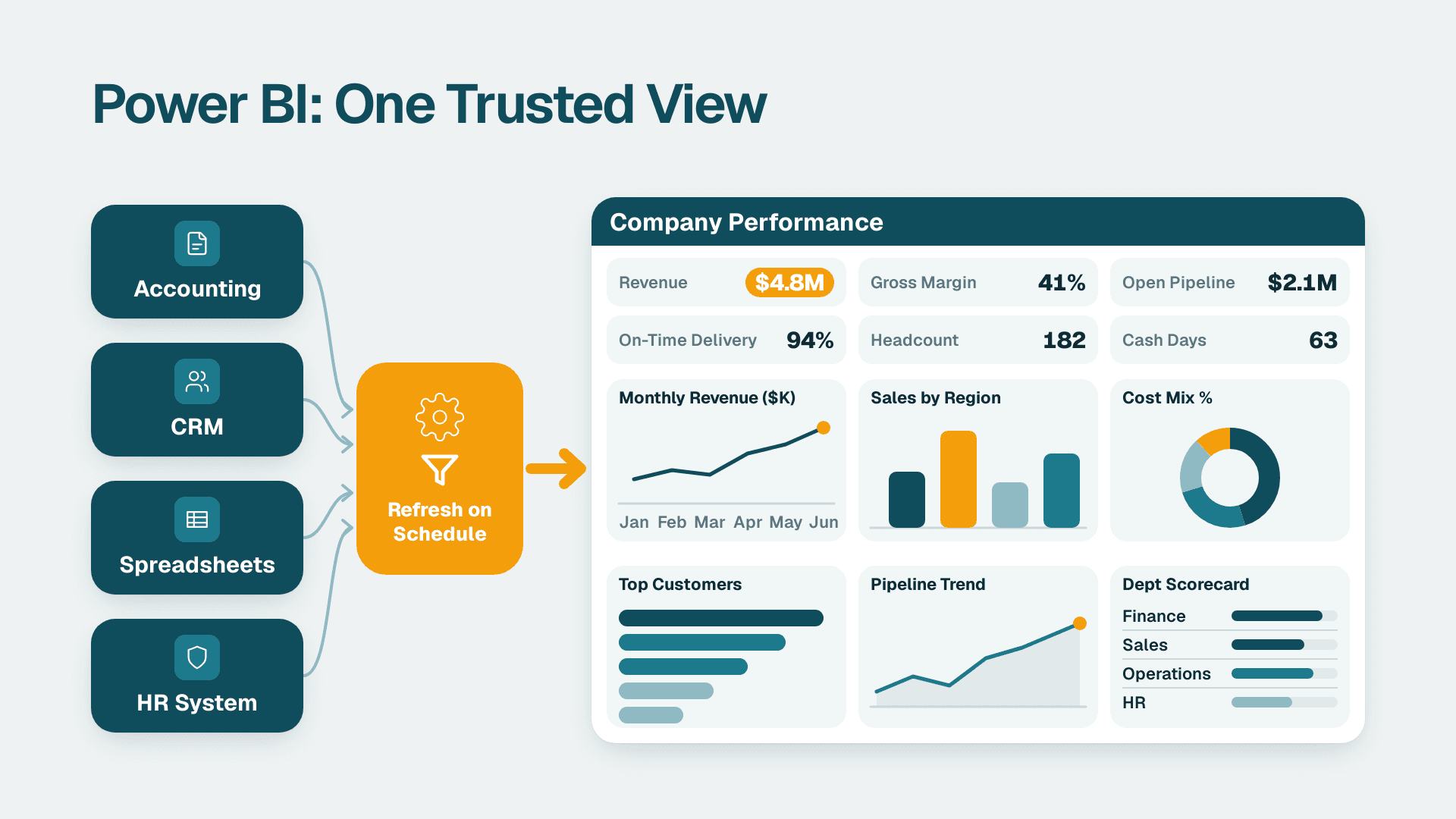
- Reporting limits. Built-in reports cover most needs, but finance leads who want cross-system dashboards often add a BI layer. If a dashboard ever disagrees with your ledger, the seven-step reconciliation for reports that disagree with the general ledger is a good diagnostic method.
The demo organisation is a low-risk way to find your own deal-breakers before you move real data.
When does setup or integration need a consultant?
You need a consultant when the cost of a setup error is higher than the cost of expert help. For a freelancer or a single-currency company starting fresh, self-setup is usually fine. For a business with history to migrate, several tax regimes or connected systems, the risk shifts quickly.
| Situation | Reasonable to do yourself | Bring in a specialist |
|---|---|---|
| New business, one currency, simple tax | Yes, using the trial and demo organisation | Only for a short review |
| Moving from desktop software with years of history | Possible, but slow | Yes, for mapping, import and reconciliation |
| Multi-currency across UK, EU or Canada | Risky without tax knowledge | Yes, to design tax groups and revaluation |
| Inventory with multiple locations | Possible for basic stock | Yes, for valuation and opening stock |
| CRM, payments or BI connected to the ledger | Simple links are fine | Yes, for workflow design and data mapping |
| Regulated data such as health or financial records | Not advised | Yes, alongside your compliance lead |
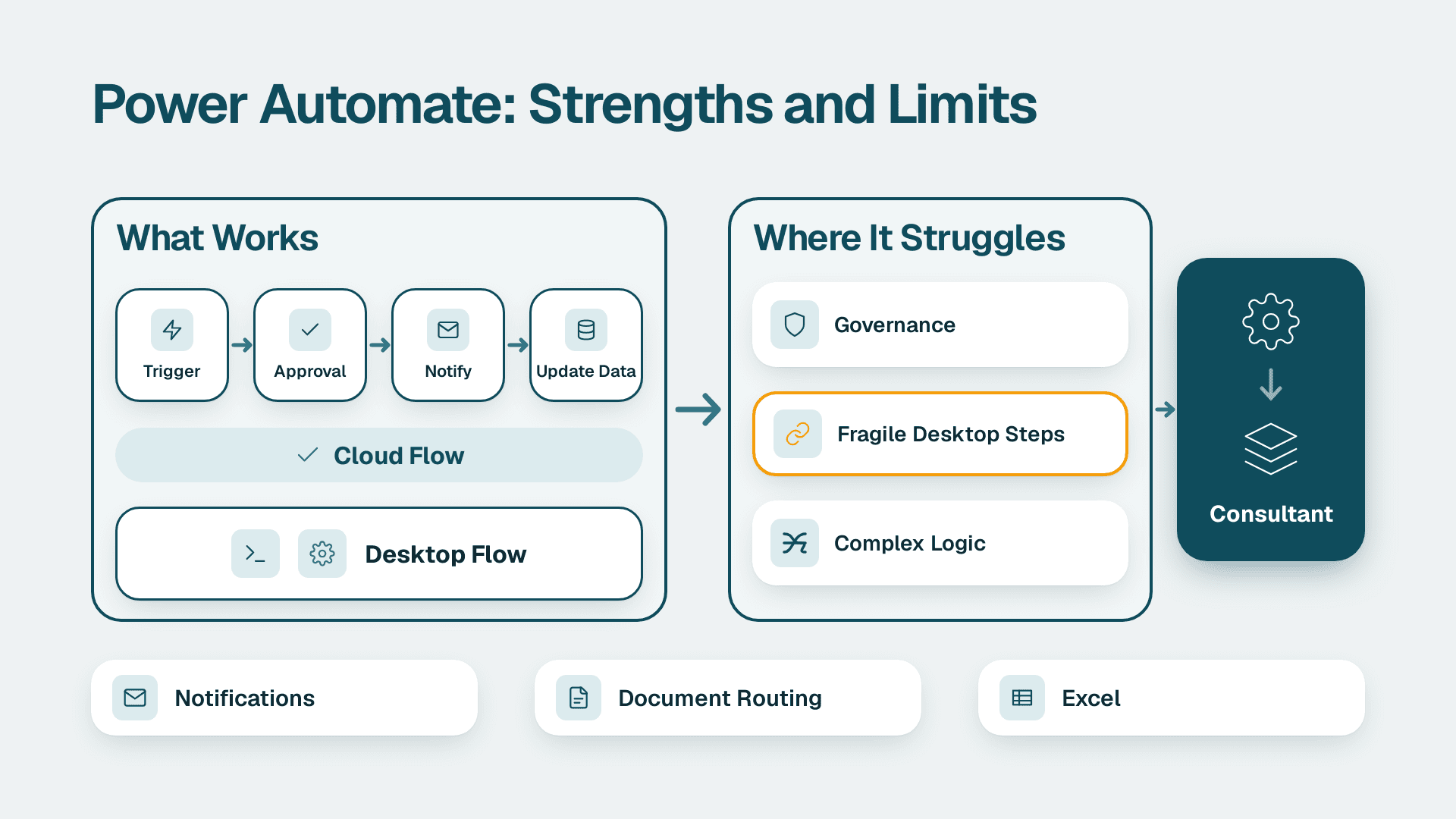
Integration is the most common trigger. Accounting rarely stands alone: sales data comes from a CRM, payments come from a processor and reporting often lives elsewhere. Automation tools such as Zoho Flow can connect these systems, and the guide to Zoho Flow and automating work across Zoho and other apps explains where that approach works and where it needs care.
Implementation cost and timeline depend on scope: the number of entities, currencies and users, the amount of history, and how many integrations you need. Anyone quoting a fixed figure before understanding that scope is guessing, so ask for a scoped estimate that lists what is and is not included, and what happens if the data turns out messier than expected.
Is Zoho an Indian company?
Zoho Corporation has Indian roots and is headquartered in Chennai, Tamil Nadu. According to the Zoho Corporation entry on Wikipedia, it was founded in 1996 as AdventNet, adopted the Zoho name in 2009 and remains privately held. It sells globally, and in 2024 Zoho identified Books as one of its main drivers of revenue growth in India and one of its fastest-growing products by customer numbers.
For a buyer in the US, UK, EU or Canada, the more useful question is where your data is hosted and which regional edition you are using. Check the data centre options and the vendor's privacy documentation against your GDPR, PIPEDA or sector obligations before you load real records.
---
About Lets Viz: Lets Viz is a data analytics and finance systems consultancy that has helped teams with accounting, BI and automation work since 2020, serving US healthcare, UK fintech, Canadian manufacturing and global SaaS clients. Our work carries a 5.0 Clutch rating, and our consultants plan migrations and integrations with the data protection requirements of GDPR, PIPEDA and US sector rules in mind.
Zoho Books implementation and migration
Sources
Facts and prices checked October 2026.