Looker Studio Consultant — Dashboards, GA4 and BigQuery
Looker Studio (now Data Studio) consultants who build GA4, ads, CRM and BigQuery dashboards your team will actually open. Fixed-price projects from $2,000, published rates, and a working report in your own Google account.
Trusted by teams across 15+ countries
Challenges Our Looker Studio Consultants Solve
Looker Studio For GA4
Looker Studio for Google Ads
Looker Studio for LinkedIn Ads
Looker Studio for Meta Ads
Looker Studio for Google Search Console
Looker Studio for Google My Business
Looker Studio for Bing Ads
Looker Studio With SuperMetrics
Looker Studio for Big Query
Looker Studio with Power My Analytics

Looker Studio consulting for agencies, ecommerce and SaaS
The data sources and the reports people actually open differ by business model. These are the three setups we build most often.
Client reporting that scales past a handful of accounts
One template per service line, connected to each client's GA4, Google Ads, Meta and LinkedIn accounts, branded with your agency's logo. Scheduled PDF delivery to clients, and shared data sources so adding a client is a data-source swap, not a rebuild.
Ad spend, revenue and fulfilment on one screen
GA4 and ad platforms joined to store and shipping data, through a connector or a BigQuery table when the order volume gets large. ROAS by channel, margin by product, and late shipments in one report, refreshed on a schedule.
Product usage, pipeline and revenue in one place
Product events and billing data modelled in BigQuery, joined to GA4 and CRM data, then surfaced in Looker Studio. Funnel, activation and MRR reports that read from pre-aggregated tables, so they stay fast as the event table grows.
What our Looker Studio consultants deliver
Our Offerings
GA4 and marketing dashboards
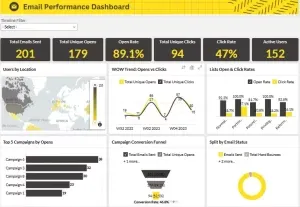
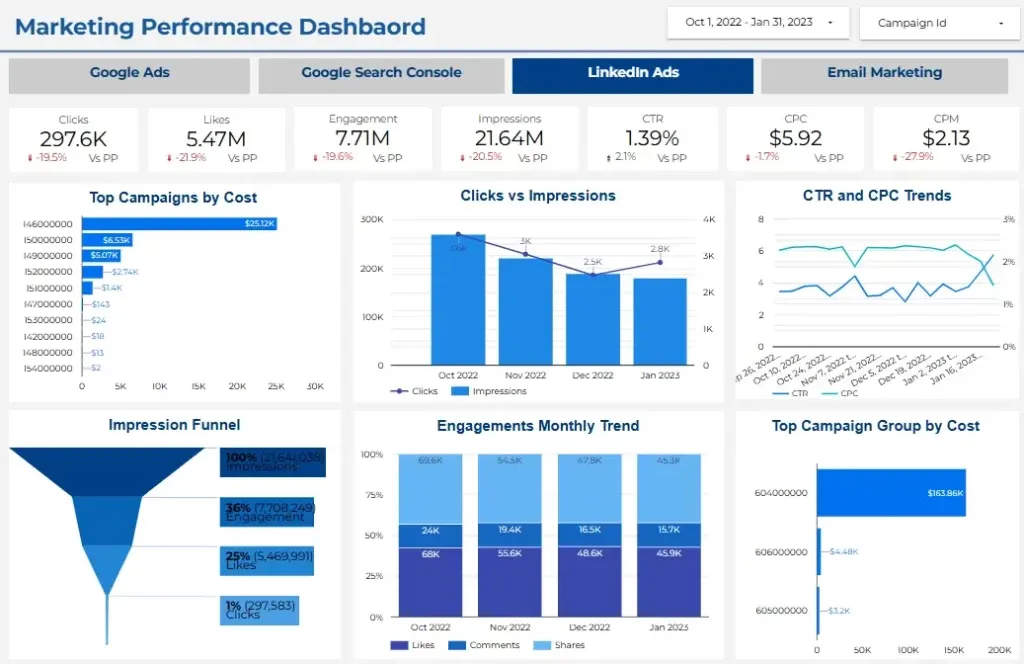
Reports on GA4, Google Ads, Meta, LinkedIn and Search Console that answer one question per page, with filters your team will actually use.
When to hire a Looker Studio consultant
Nobody trusts the numbers
GA4, the ad platforms and your CRM report different totals, and meetings start with an argument about which one is right. A consultant reconciles the definitions once and builds the report on them.
Reports take minutes to load
Blends across several large sources make Looker Studio slow. The fix is usually structural: pre-aggregate in BigQuery or Sheets and simplify the blends.
Someone exports to spreadsheets every week
If an analyst rebuilds the same report by hand every Monday, that time comes back once the report refreshes and sends itself.
Client reporting does not scale
Agencies that copy a report per client end up maintaining dozens of versions. Templates and shared data sources leave one version to fix.
Your data has outgrown connectors
Order, event or ad data in the millions of rows needs a BigQuery layer under the report, with scheduled queries and custom SQL sources.
You need a project, not a full-time hire
Most companies need a few weeks of build and a few hours a month after. A fixed-price project plus an optional retainer costs less than a full-time developer for the same output.
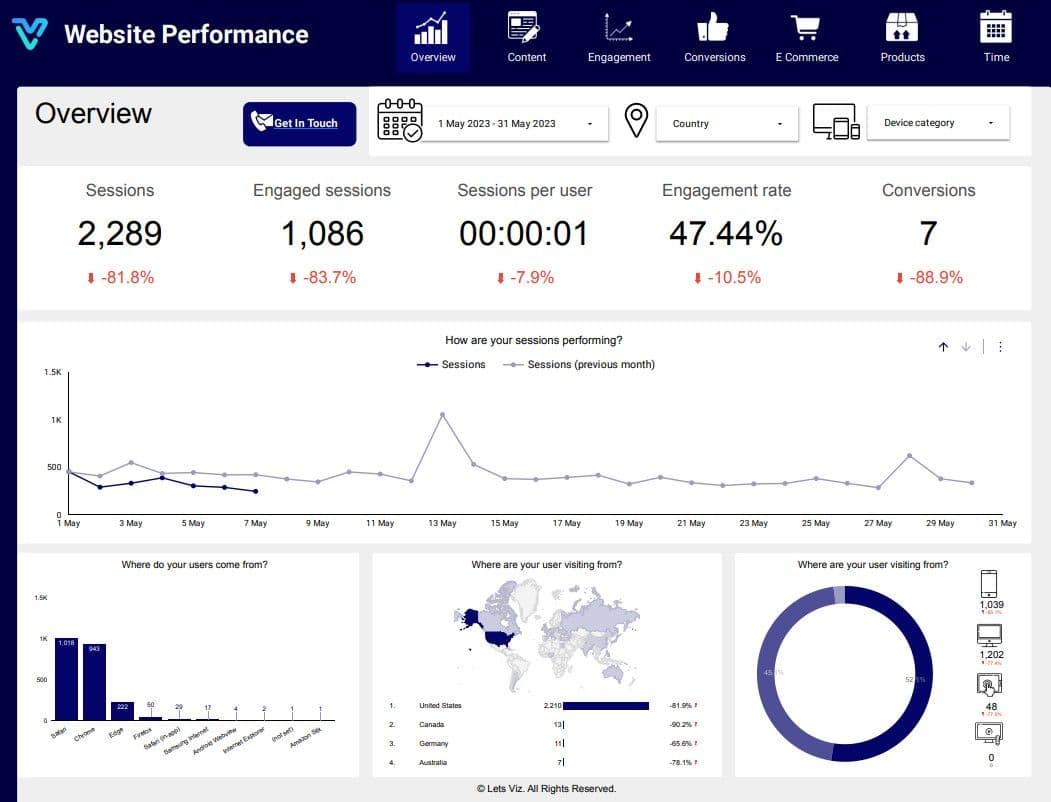
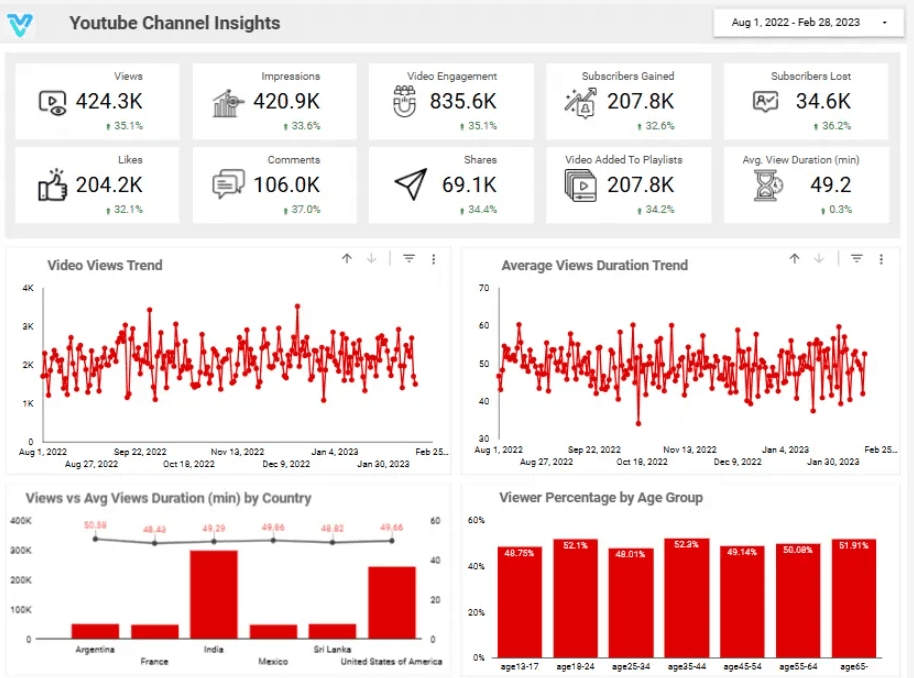
Stunning Dashboards Designed by Let's -viz Certified Looker Studio Developers
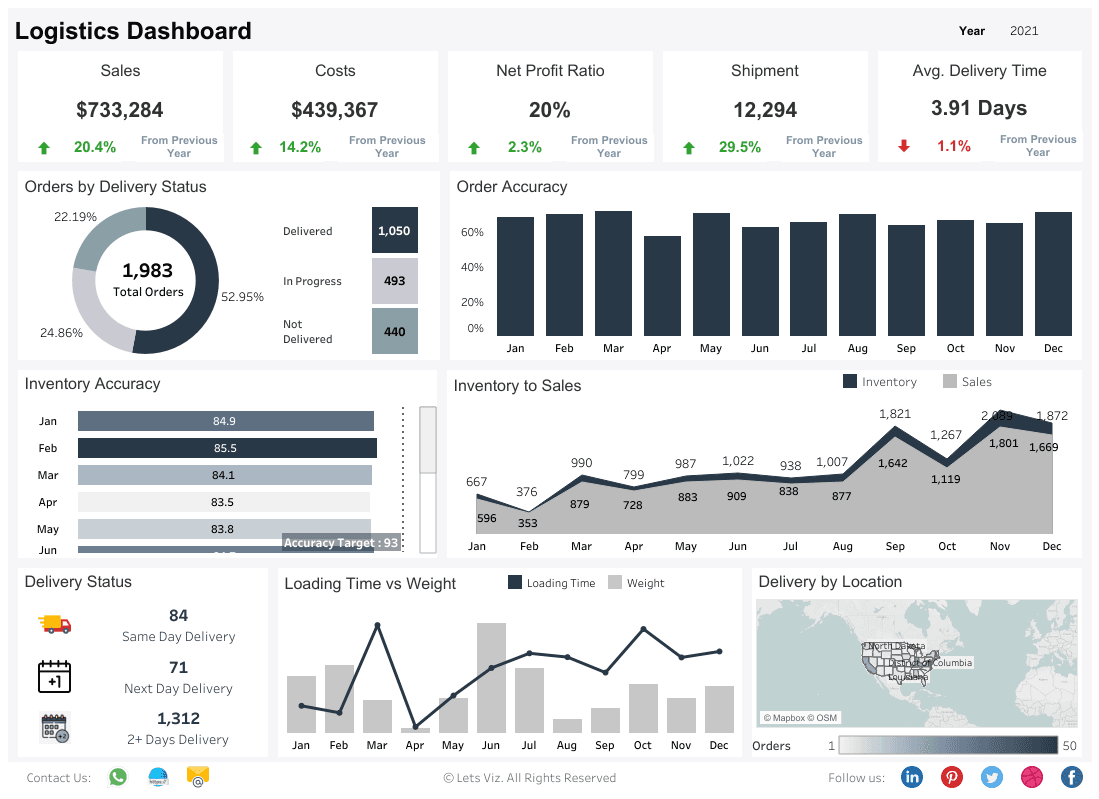
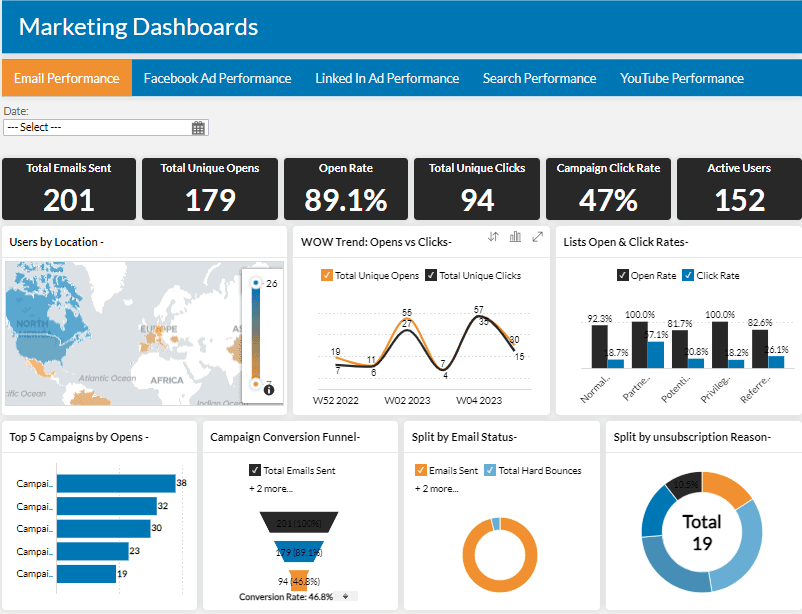
With our Looker Studio professional Dashboards , you can make informed decisions, optimize your user experience, and drive effective marketing strategies. Partner with Let’s Viz to unlock the full potential of your data.
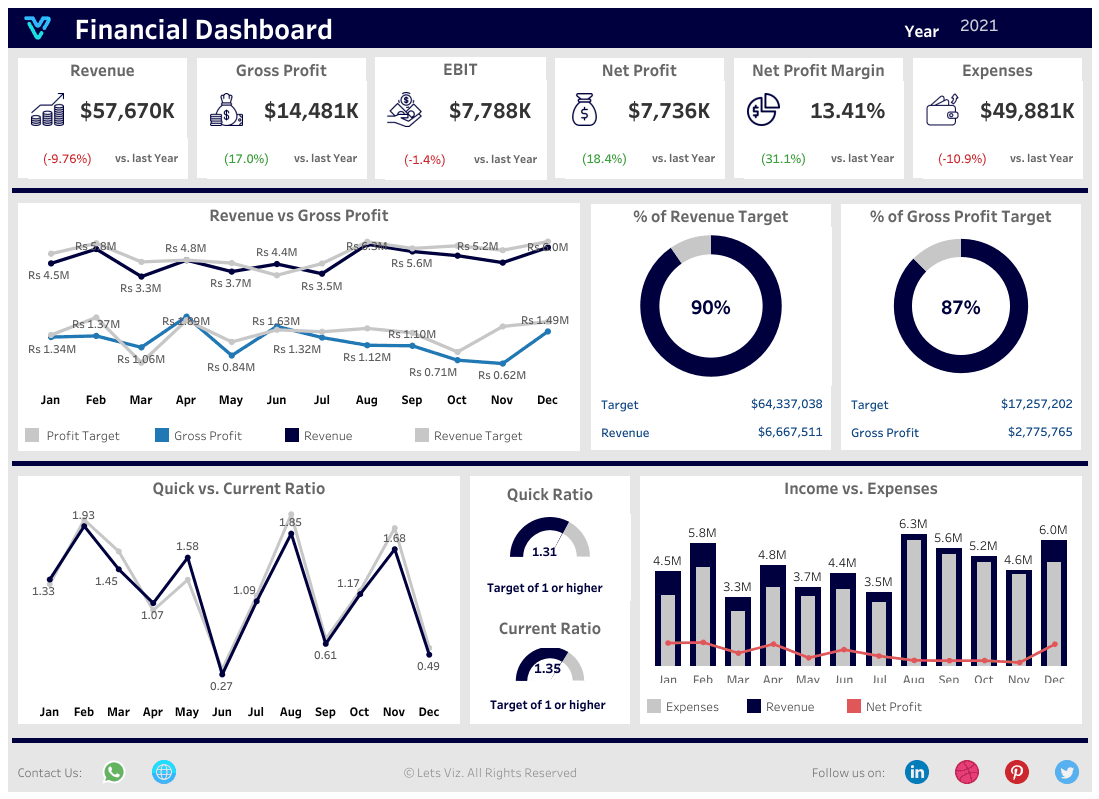
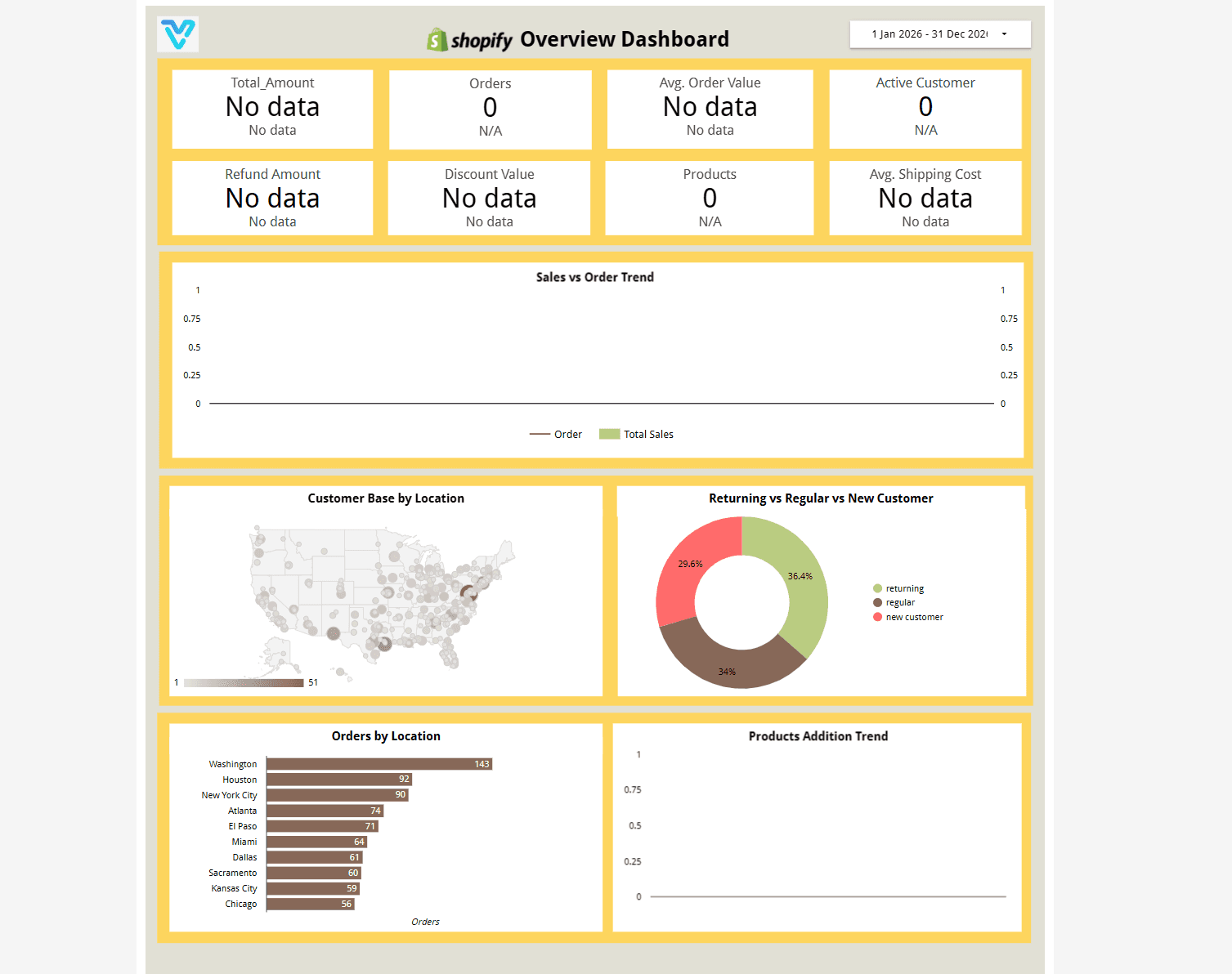
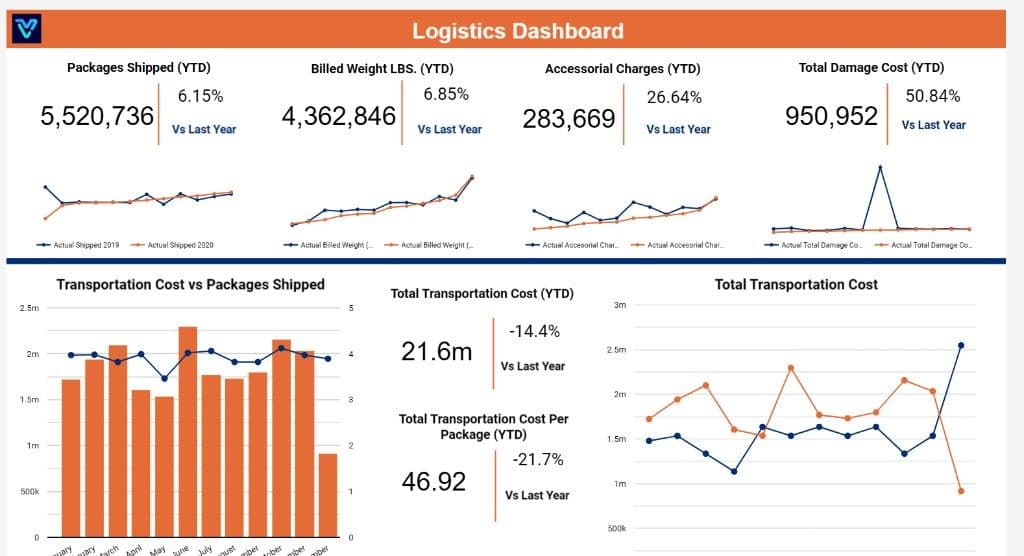
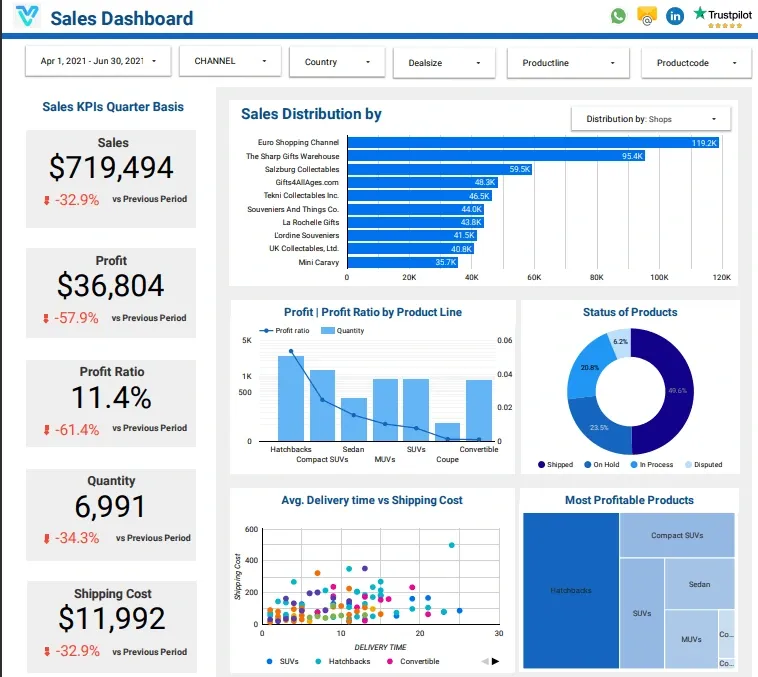
We seamlessly integrate Looker Studio with all your existing tools and systems.
From BI to warehouses — we integrate with what you already use and modernize what slows you down.




Why Choose Lets-viz for Looker Studio Development Consultant?
Ready to take your data to new heights? Our seasoned Looker Studio developers are here to help. Let us transform your raw data into stunning visualizations and powerful analytics tools that empower your decision-making process. Our Looker Studio developers are masters at turning complex information into clear, actionable insights. With our expertise, you’ll have access to customized solutions that fit your business like a glove.
Highly Qualified
Our team comprises top-notch professionals with extensive expertise in Looker Studio development, ensuring that you receive solutions of the highest quality that meet your unique business needs.
Flexible Time Zones
We understand the importance of accommodating diverse schedules. With our flexible time zone options, we ensure seamless communication and collaboration regardless of your location, making it convenient for you to work with us.
Tech Savvy
Our developers stay ahead of the curve with the latest Looker Studio advancements and best practices. We leverage cutting-edge technology to deliver innovative solutions that drive your business forward in today’s digital landscape.
Transparent Pricing
We believe in transparency and honesty in all our dealings. Our pricing structure is clear and straightforward, ensuring that you know exactly what to expect without any hidden fees or surprises along the way.
Confidentiality
Your data and information are our top priority. We uphold the highest standards of confidentiality and security, ensuring that your sensitive data remains safe and protected at all times
Flexible Engagement Options
We offer flexible engagement models tailored to your specific requirements. Whether you need short-term assistance or long-term collaboration, we have customizable options that fit your business needs seamlessly.
How a Looker Studio engagement runs
Five steps, each with a fixed output. You see a working report during the build, not only at the end.
Discovery (2–3 days)
A free call, then a review of your data sources and the decisions the report must support. Deliverable: a written scope with the KPI list, a source map and a fixed price.
Build (1–3 weeks; 3–6 weeks with a BigQuery pipeline)
We connect the sources, clean the fields, build any BigQuery tables and lay out the report pages. Deliverable: a working report in your own Google account, with a preview link each week.
Deploy (1–2 days)
Sharing and permissions, scheduled email delivery and refresh checks. Deliverable: live reports owned by your team, with the delivery schedule set.
Train (one recorded session)
A walkthrough for the people who will edit and read the reports. Deliverable: the recording plus a short document of every data source and calculated field.
Support (30 days after launch)
We fix anything that breaks or reads wrong in the first month. Deliverable: a closed fix list, then an optional monthly retainer for new reports and changes.
How much does a Looker Studio consultant cost?
We publish our ranges. Four things move a project within them: the number of data sources, how complex the KPIs and calculated fields are, how much is automated (refresh, blending, email delivery) and how many dashboards you need.
Dashboard Project
fixed scope
3–5 connected report pages on standard sources: GA4, Google Ads, Search Console, Sheets or your CRM.
- KPI and source scoping in discovery
- Data source connection and field cleanup
- 3–5 report pages with filters and drill-downs
- Scheduled email delivery
- Recorded handover session
Looker Studio + BigQuery
fixed scope
A custom BigQuery pipeline under your reports, for data volumes or joins that blends and connectors cannot handle.
- BigQuery dataset and table design
- Scheduled queries and pre-aggregated tables
- Custom SQL data sources in Looker Studio
- Dashboards built on the pipeline
- Refresh and query-cost checks at handover
Ongoing Retainer
per month
A named consultant for new reports, changes and fixes after launch.
- Named Looker Studio consultant
- New report pages and changes each month
- Fixes when a connector or blend breaks
- Monthly report health check
- Month-to-month, no lock-in
All prices in USD. The discovery call is free, and we quote a fixed price after it. A full Looker (Google Cloud BI platform) implementation is a separate, larger engagement.
Wondering what this would cost you?
Answer a few questions and see an honest price range on screen — no email, no call needed.
See it in action
Real engagements. Documented outcomes.
Frequently Asked Questions
Find answers to common questions about our services and process.
Further reading
Guides and insights to help you make an informed decision.
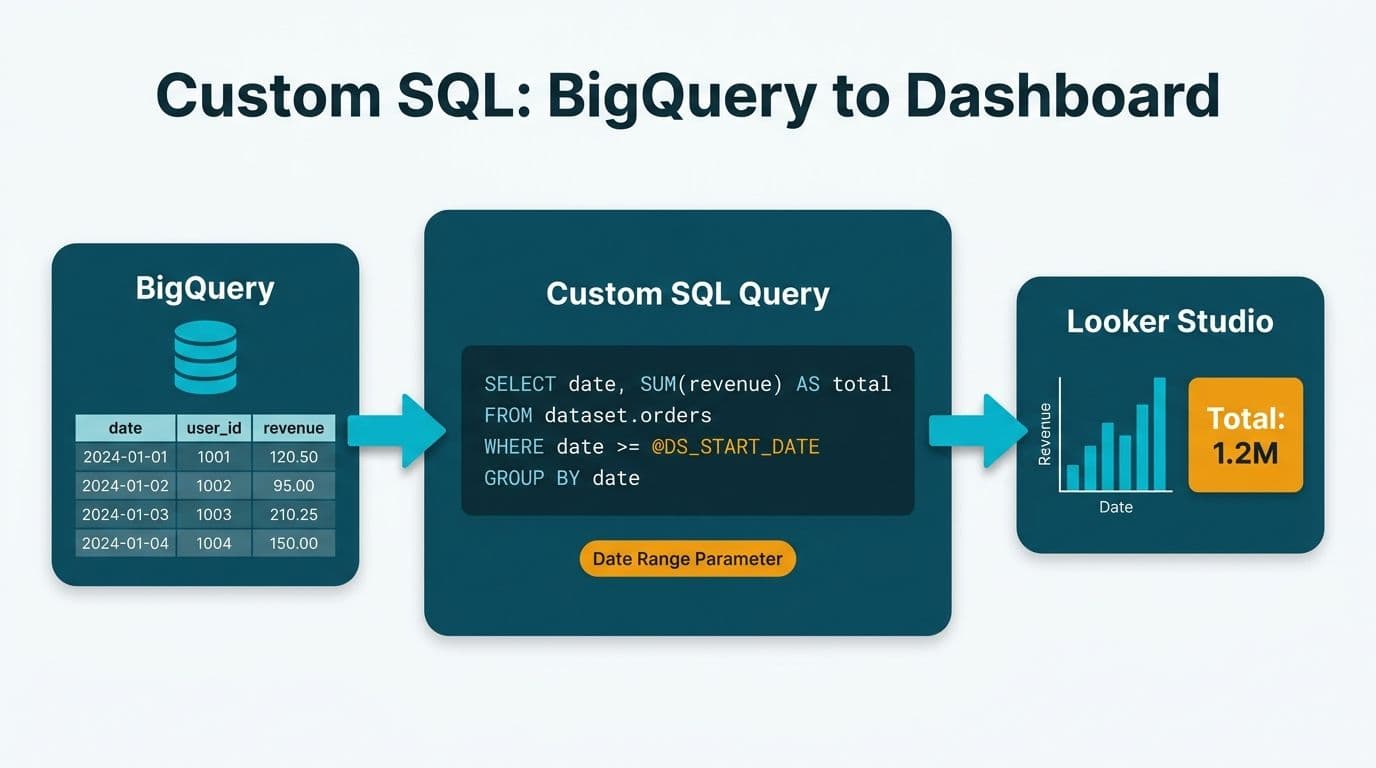
Looker Studio Custom SQL Query with BigQuery: A Practical Guide
Learn how to write and schedule a custom BigQuery SQL query as a Looker Studio data source, with real schema examples and tips to avoid runaway query costs.
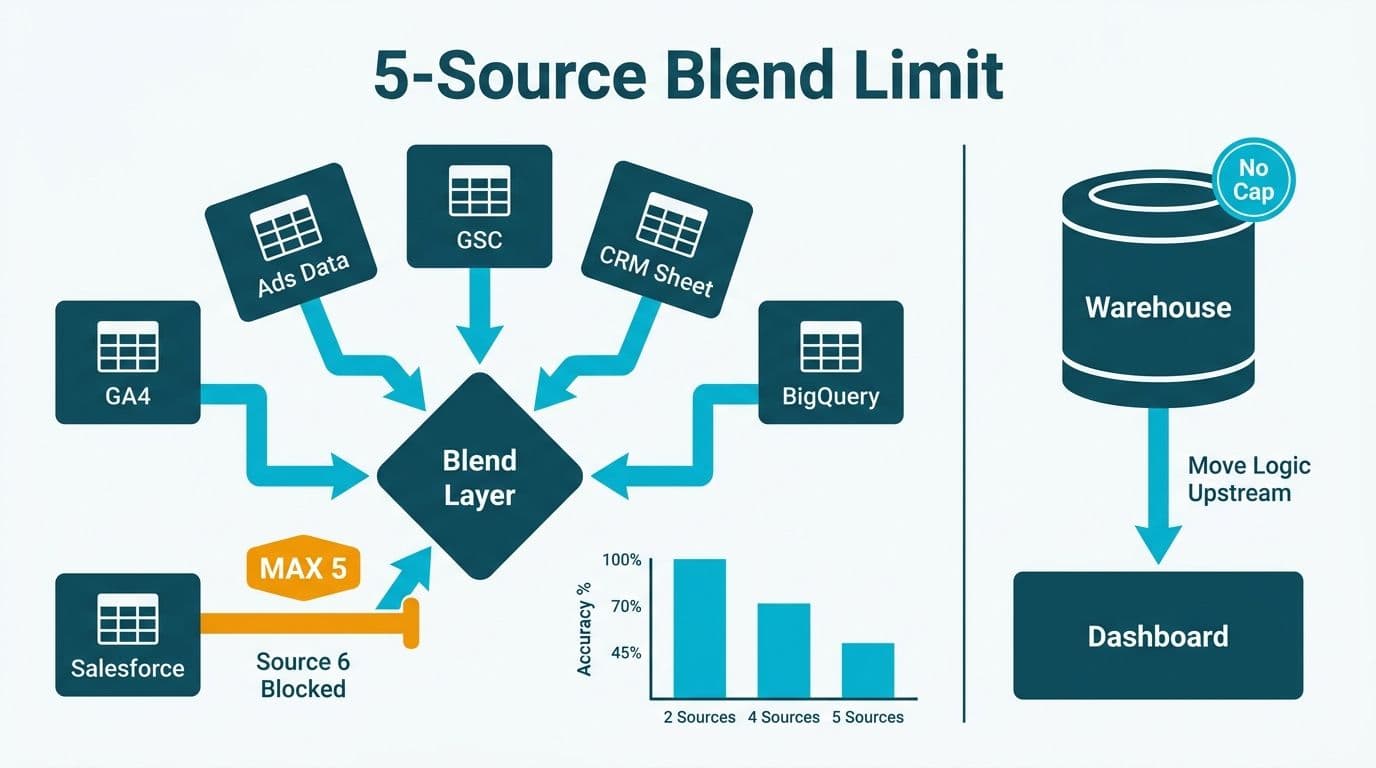
Looker Studio Data Blending Limitations: What Leaders Must Know
Looker Studio data blending limitations explained: the 5-source cap, join key errors, and sampling risks with fixes for healthcare and finance teams.
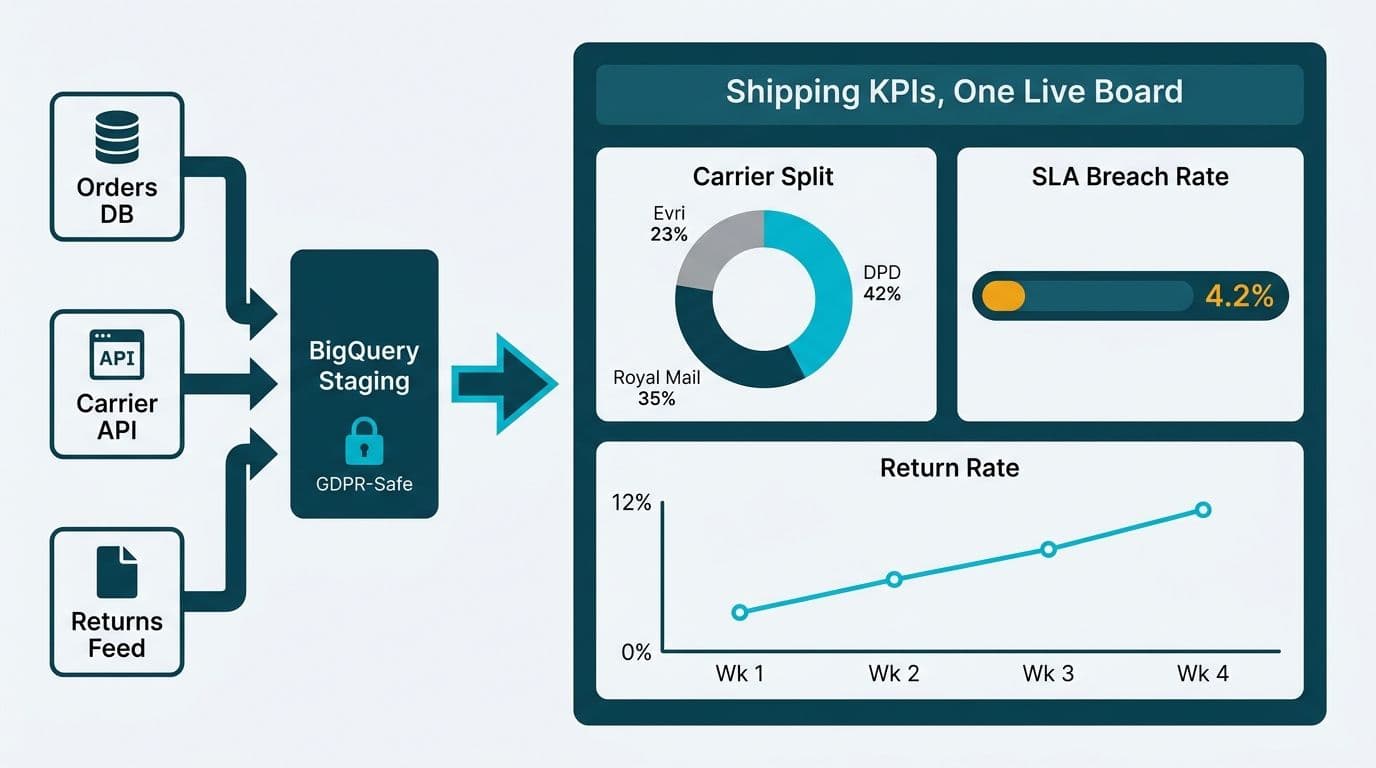
Looker Studio Ecommerce Dashboard: Shipping & Fulfilment Guide
Build a Looker Studio ecommerce dashboard for shipping and fulfilment: carrier split, SLA breach rate, return rate, with GDPR-compliant data connector guidance.

Helping companies make data-driven decisions to achieve their Goals
Experience superior data analysis with our custom dashboards. Specializing in all tools and technologies, we turn data into visually compelling, actionable insights