Best Low-Code AI Tools for Automating Operations
TLDR
The best low-code AI tools for automating operations are platforms like Microsoft Power Automate, Zapier, Make (formerly Integromat), n8n, and UiPath Apps, which allow businesses to streamline workflows without heavy coding. For example, a Power Automate flow can trigger when a form is submitted, use AI Builder to extract invoice data, and post the result to Teams. These platforms provide drag-and-drop interfaces, AI-powered connectors, and prebuilt templates that make it easier for small and mid-sized enterprises (SMEs) to automate repetitive tasks, integrate data, and optimize operations. In short, low-code AI tools reduce manual work, improve accuracy, and let businesses scale faster without relying heavily on technical teams.
Why Low-Code AI Matters in Operations
Running a business today means balancing efficiency with growth. Operations teams are under constant pressure to do more with less—fewer resources, smaller budgets, but higher expectations. Manual processes, fragmented tools, and disconnected data slow down execution. This is where low-code AI tools for automation step in.
Low-code platforms blend the simplicity of visual drag-and-drop builders with the power of artificial intelligence (AI). Instead of building software from scratch, business leaders can use pre-built templates, AI integrations, and ready-made connectors to automate workflows across HR, finance, sales, marketing, and customer support.
According to Gartner, adoption is rising, and a growing share of large enterprises now use low-code/no-code platforms to automate business-critical processes. For SMEs, these tools are even more valuable—they cut dependency on IT, reduce operational costs, and help teams respond faster to change.
What Are Low-Code AI Tools?
Low-code AI tools are platforms that allow non-technical users to build and deploy automation workflows using minimal coding. They usually include:
Drag-and-drop workflow builders
AI integrations (chatbots, predictive analytics, generative AI)
Pre-built templates for business functions
APIs and connectors to integrate with CRMs, ERPs, and SaaS apps
Scalable execution so businesses can run hundreds of processes
The key benefit is speed. Traditional software development can take weeks or months. With low-code AI platforms, automation workflows can be built in hours or days.
How Do Low-Code AI Tools Work?
Most low-code AI platforms follow a similar pattern:
Define a trigger – Example: “When a new customer fills a form.”
Set conditions – Example: “If they are from the US, assign to Team A.”
Add AI capabilities – Example: “Use AI to analyze sentiment in their message.”
Automate action – Example: “Send email, update CRM, notify Slack.”
This is why they’re called workflow automation platforms—they connect multiple applications, add intelligence, and run processes without manual intervention.
Benefits of Low-Code AI Tools for Businesses
Low-code AI tools bring several advantages across industries:
Faster Automation → Deploy workflows without months of coding.
Cost Reduction → Cut down manual labor and IT costs.
Better Accuracy → AI reduces human errors.
Scalability → Add new workflows as business grows.
Employee Productivity → Free up teams from repetitive tasks.
Data Integration → Connect different systems for real-time updates.
For SMEs, the biggest advantage is agility—being able to adapt quickly without hiring large IT teams.
Best Low-Code AI Tools for Automating Operations
Let’s explore the top low-code AI platforms that are changing the way businesses operate:
1. Microsoft Power Automate
Best for: Enterprises using Microsoft ecosystem (Office 365, Dynamics, Teams).
Key Features:
Pre-built connectors with 500+ apps
AI Builder for document processing and predictions
Robotic Process Automation (RPA) for legacy systems
Use Cases: Invoice automation, HR onboarding, approval workflows.
Why It Stands Out: Seamless integration with Microsoft suite makes it the go-to choice for businesses already invested in Microsoft tools.
2. Zapier
Best for: SMEs and startups looking for quick automations.
Key Features:
6,000+ app integrations
Easy “if-this-then-that” logic
AI-assisted workflow recommendations
Use Cases: Social media automation, lead management, email notifications.
Why It Stands Out: Extremely user-friendly, no coding required, and excellent for small teams that need speed.
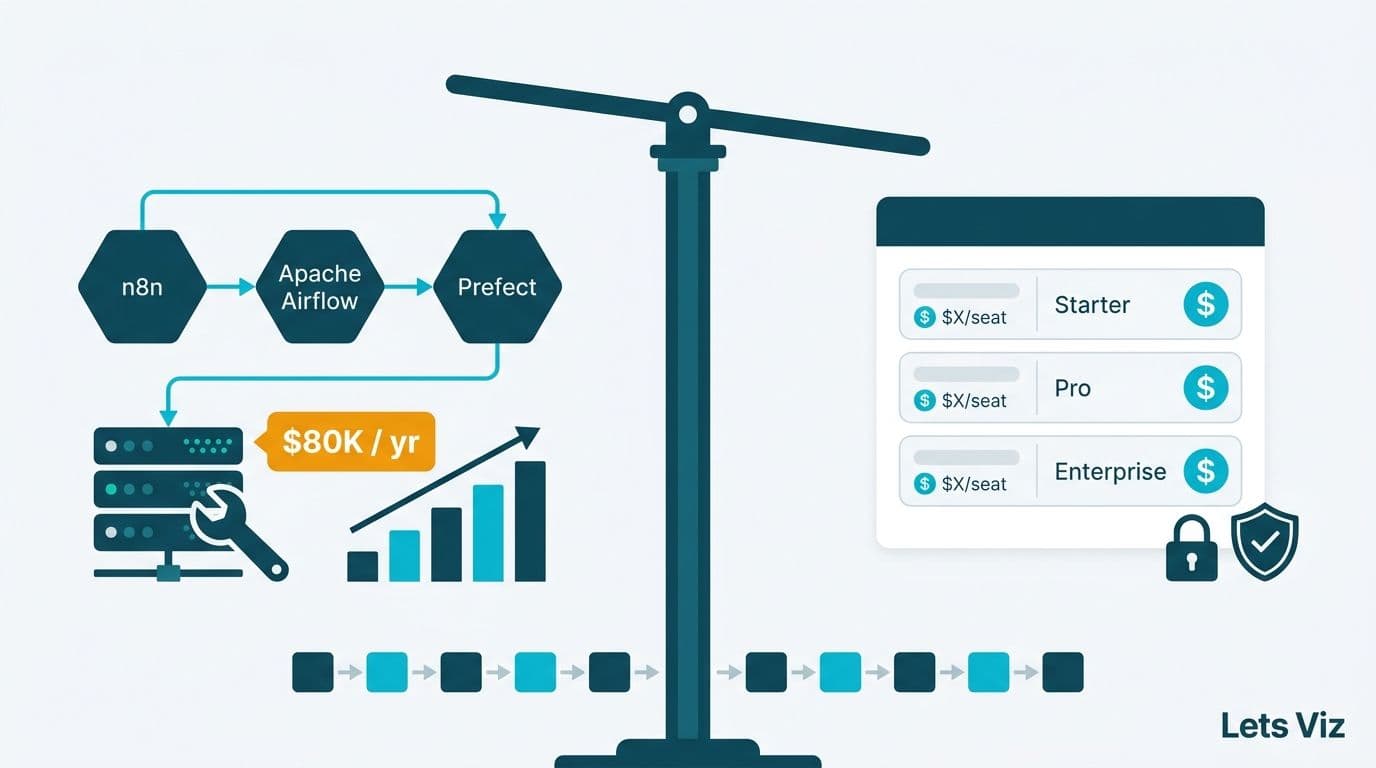
For advanced automation needs, SMEs often explore n8n vs Zapier vs Make to choose the right fit.
3. Make (formerly Integromat)
Best for: Businesses needing complex workflows.
Key Features:
Visual drag-and-drop builder
Support for multi-step and branched workflows
Built-in AI integrations with OpenAI
Use Cases: Marketing campaign automation, e-commerce order management, SaaS integration.
Why It Stands Out: More flexible and powerful than Zapier for advanced workflows. Businesses can also sign up from here on Make.
4. n8n (Open Source)
Best for: Businesses needing open-source flexibility.
Key Features:
Self-hosted automation platform
AI model integration with OpenAI and Hugging Face
Advanced data transformation capabilities
Use Cases: Custom AI bots, API data workflows, scalable automations.
Why It Stands Out: Unlike Zapier or Make, n8n is open-source, which means businesses can customize deeply. Check out our guide on what is n8n.
5. UiPath Apps
Best for: Enterprises looking for AI-powered robotic process automation (RPA).
Key Features:
Drag-and-drop app designer
AI-powered document understanding
End-to-end enterprise-grade automation
Use Cases: Finance, healthcare, compliance-heavy industries.
Why It Stands Out: One of the strongest enterprise-grade RPA solutions in the market.
6. Google AppSheet
Best for: Google Workspace users.
Key Features:
Build mobile and web apps without code
AI-assisted app generation
Tight integration with Sheets, Drive, Gmail.
Use Cases: Field service management, data collection, project management.
Why It Stands Out: Ideal for businesses already on Google Workspace.
7. Salesforce Einstein Automate
Best for: Businesses using Salesforce CRM.
Key Features:
AI-driven process automation
Workflow orchestration across apps
Einstein AI for predictions and recommendations
Use Cases: Sales automation, customer service, marketing workflows.
Why It Stands Out: Perfect for organizations already relying heavily on Salesforce.
Low-Code vs No-Code AI Tools: What’s the Difference?
While the terms are often used interchangeably, there’s a difference:
| Feature | Low-Code AI Tools | No-Code AI Tools |
|---|---|---|
| Target Audience | Citizen developers, IT teams | Business users, non-technical teams |
| Customization | Moderate (some coding needed) | Limited (plug-and-play only) |
| Scalability | High | Medium |
| Flexibility | High | Low |
| Best Use Case | Complex workflows | Simple task automation |
For SMEs, no-code tools like Zapier are a great starting point. As needs grow, low-code platforms like n8n or Power Automate provide more customization.
Case Study: Automating Marketing Operations with Low-Code AI
A mid-sized e-commerce company used n8n to automate its marketing dashboards and reporting. By connecting Google Analytics, Shopify, and Slack:
Reports were auto-generated daily.
Sales data was synced in real time.
AI sentiment analysis was applied to customer reviews.
This saved the company 20+ hours per week and improved campaign decisions. (Check full details in our n8n marketing dashboards automation guide).
Challenges and Limitations of Low-Code AI Tools
While powerful, these platforms also come with challenges:
Hidden Costs – Many tools charge per workflow or execution.
Vendor Lock-in – Proprietary tools limit flexibility.
Security Concerns – Data flowing across apps must be secured.
Learning Curve – Complex workflows still require technical understanding.
The solution is to choose the right platform based on your scale, budget, and IT capabilities.
| Tool | Best Use Case / Strength | Key Features | Approx Pricing* |
|---|---|---|---|
| Zapier | Easy, quick automations for SMEs | 6,000+ app integrations, multi-step Zaps, paths, filters, conditional logic | Free: 100 tasks/month Professional: from $19.99/month (for ~750 tasks) Team: from $69/month (shared workspaces, more usage) Enterprise: custom quotation |
| n8n (Cloud / Cloud-hosted plan) | Flexible, execution-based billing, open architecture | Unlimited steps, workflows billed per execution, self-host or cloud | Starter tier ~ €20/month with ~2,500 workflow executions Pro: ~ €50/month (10,000 executions) Business: ~ €667/month (40,000 executions) Enterprise: custom |
| Microsoft Power Automate | Enterprises / organizations in Microsoft ecosystem | Deep MS integration, desktop workflows, AI Builder, RPA | Premium user plan: $15/user/month Process (unattended RPA): $150 per bot/month Hosted process / per-flow plans: $215 per flow/month |
| Google AppSheet | No-code apps + workflow automation, esp. for Google Workspace | Build mobile/web apps, integrate with Sheets, AI features | Starter tier: ~$5/user/month Core plan: ~$10/user/month Enterprise: custom pricing |
| Salesforce Einstein (Add-on AI layer) | Organizations already using Salesforce | Predictive models, automation, embedded AI inside CRM | Einstein add-ons typically start ~$50/user/month or more depending on features Some specialized modules (Einstein Engagement etc.) may cost ~$1,250/month for organization-level deployments. |
| UiPath Apps / UiPath (RPA + low-code) | Enterprise-level RPA + AI workflows | Drag-and-drop app builder, document AI, bots + workflow logic | Pricing is often customized / enterprise-level; not publicly listed in simple tiers (customer request needed) |
Notes & Tips when comparing pricing
Usage model matters:
Zapier charges per task/action, n8n charges per workflow execution (regardless of steps).Hidden costs:
Infrastructure (for self-hosted n8n), overages, support, premium connectors or AI credits.Enterprise / custom quotes:
Tools like UiPath and Salesforce often require contacting sales for tailored pricing.Bundling & discounts:
Annual billing, volume discounts, and bundling with other services (e.g. Microsoft 365) can reduce effective cost.
When repetitive tasks consume 20–30% of employee time.
When teams rely heavily on spreadsheets and manual updates.
When customer support, HR, or finance processes are slow.
When scaling operations without adding new headcount.
At this stage, engaging an AI consulting partner like Lets Viz Technologies can help businesses identify the right tool and implementation strategy.
Conclusion
Low-code AI tools are no longer optional—they’re becoming a core driver of operational efficiency. From Zapier’s simplicity to UiPath’s enterprise-grade automation, these platforms enable SMEs and enterprises alike to automate faster, reduce errors, and free up employees for higher-value work.
The right strategy is to start small (simple automations), test, and then scale gradually with the right tool. For SMEs, investing in a partner like Lets Viz Technologies ensures that automation is done strategically, without wasted costs or misaligned workflows.
Zapier, Make, and Google AppSheet are the best starting points because they are affordable, simple, and integrate with common SaaS apps.
Yes. Most tools like Zapier and Power Automate are designed for non-technical users, though complex automations may need minimal coding
Low-code AI tools are faster and cheaper for automation. Developers are still needed for complex, custom systems.
Most enterprise platforms like Power Automate and UiPath follow strict security standards. SMEs using cloud tools should review vendor compliance.
Finance, healthcare, retail, and SaaS companies benefit the most due to heavy reliance on repetitive processes and compliance needs.
Zapier = easy and quick setups, Make = flexible visual workflows, n8n = open-source and customizable
Yes, many tools integrate with BI platforms to generate automated dashboards. Example: see our marketing dashboard examples