n8n vs Zapier vs Make: Best Automation Tool for SMEs
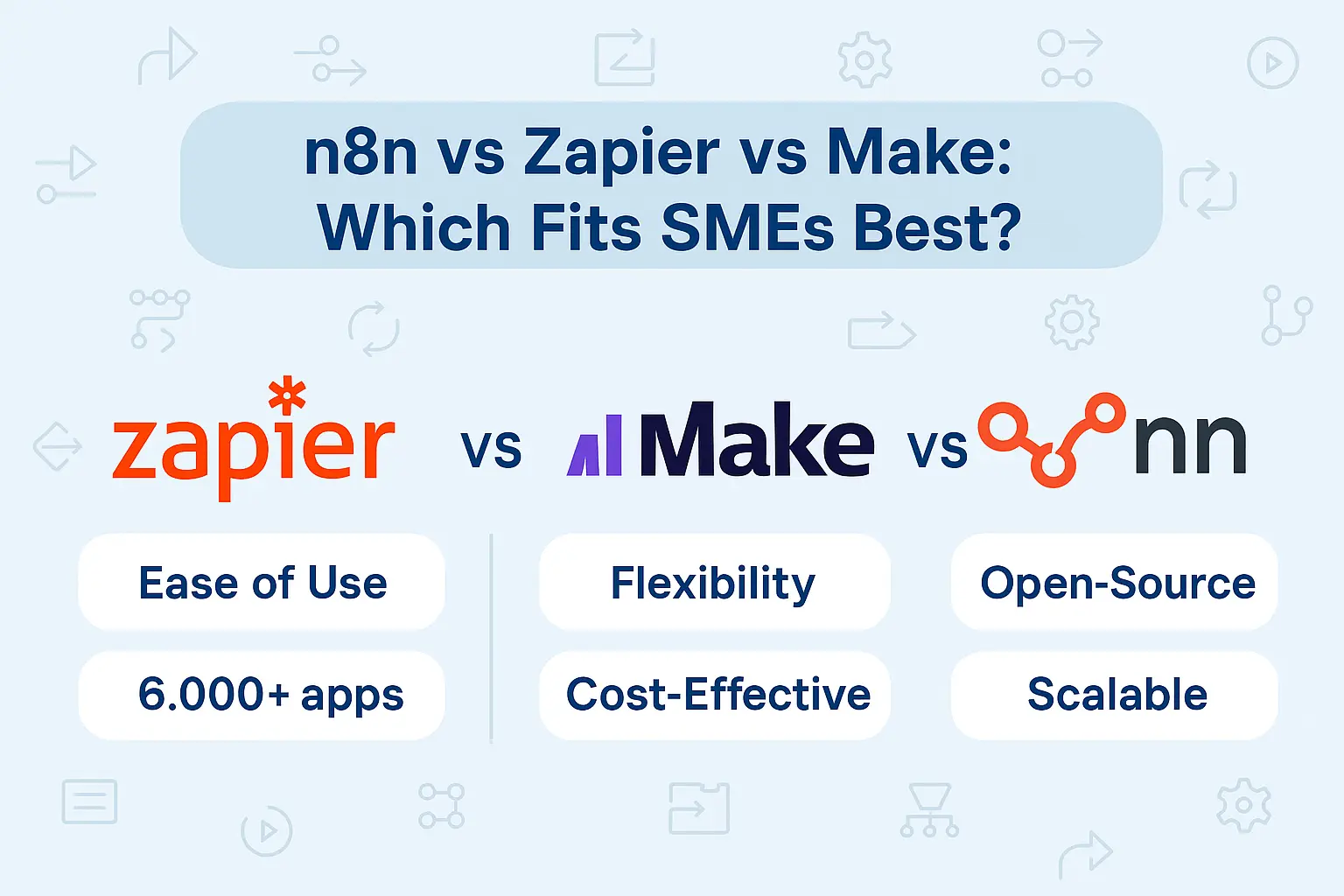
Small and medium-sized enterprises (SMEs) are under constant pressure to do more with less. Automating repetitive tasks—like syncing customer data, managing invoices, or updating CRMs—saves time and cuts costs. But with so many workflow automation platforms available, how do SMEs choose the right one? The three most popular contenders today are n8n, Zapier, and Make (formerly Integromat). Each offers unique strengths, but their suitability varies depending on budget, complexity, and growth plans.
This blog breaks down their features, pricing, and scalability to help SMEs make an informed choice.
Why Automation Matters for SMEs
Automation is no longer optional. According to a McKinsey survey, 45% of work activities can be automated with existing technology (McKinsey, 2023). For SMEs, this means unlocking capacity without hiring more staff. Tools like Zapier, Make, and n8n allow businesses to integrate apps and build workflows without deep coding knowledge—transforming operations across sales, finance, and marketing.
Our AI & automation consulting services help SMEs tailor these tools to their needs, ensuring they maximize ROI.
n8n vs Zapier vs Make: Feature Comparison
1. Ease of Use
Zapier: Known for simplicity. Its no-code interface is ideal for non-technical users. However, it can feel restrictive for advanced workflows.
Make: Offers a visual drag-and-drop builder. Better suited for slightly more technical users who want workflow flexibility.
n8n: More complex but powerful. It’s open-source, offering maximum customization. Best for SMEs with some technical expertise or IT support.
2. Integration Ecosystem
Zapier: Supports 6,000+ apps, making it the most comprehensive.
Make: Covers 1,200+ apps but allows advanced branching and conditions.
n8n: Supports 350+ integrations but can connect to any API, offering long-term flexibility.
3. Pricing
Zapier: Free plan available, but serious automation requires premium plans starting at $29.99/month. Costs escalate as workflows scale.
Make: Free plan generous, with paid plans starting at $10/month. Offers better value for SMEs experimenting with automation.
n8n: Free (self-hosted). Paid cloud version starts at $20/month. Offers predictable pricing but requires setup if self-hosted.
4. Scalability & Control
Zapier: Scales well for SMEs but can become expensive with high-volume tasks.
Make: Flexible for growing businesses with detailed workflow mapping.
n8n: Ideal for SMEs planning long-term digital transformation. Self-hosting means no vendor lock-in and greater data control.
Decision Matrix: Which Tool Fits SMEs Best?
| Criteria | Zapier | Make | n8n |
|---|---|---|---|
| Ease of Use | ★★★★★ (non-technical friendly) | ★★★★☆ (visual, semi-technical) | ★★★☆☆ (requires setup) |
| Integrations | 6,000+ apps | 1,200+ apps | 350+ + custom API |
| Pricing | $$$$ | $$ | $ (self-hosted free option) |
| Scalability | High, but costly | High, affordable | Very high, flexible |
| Best For | SMEs needing quick wins | SMEs balancing cost & features | SMEs with IT capability |
Strategic Guidance for SMEs
Choosing the right automation tool depends on your business stage:
Early-stage SMEs (0–20 employees): Use Zapier. Fast setup and ease of use allow lean teams to automate quickly without technical hurdles. Example: syncing leads from Facebook Ads to a Google Sheet.
Growth-stage SMEs (20–100 employees): Migrate to Make for cost efficiency and flexible workflow design. Example: connecting CRM, email, and invoicing platforms with conditional logic.
Scaling SMEs (100+ employees or compliance-heavy): Consider n8n for self-hosting and long-term control. Example: integrating proprietary ERP systems with cloud apps while keeping data fully in-house.
SMEs should view these tools not as competitors, but as stepping stones. Many businesses start with Zapier, transition to Make as complexity grows, and eventually adopt n8n when customization and control become strategic priorities.
For tailored advice, our team at Lets Viz Technologies helps SMEs evaluate automation maturity, select the right tool, and design dashboards to measure ROI.
More From Us:
To explore tailored automation strategies, check out our AI automation consulting services.
If you’re visualizing automation ROI, see our marketing dashboard examples.
For deeper insights, read our blog on AI prompts for business research.
Ready to discuss automation adoption? Contact us today.
Yes, Zapier is ideal for small businesses that need simple, quick automations without technical complexity. However, costs can rise as usage grows
Yes, but it’s easier with technical help. SMEs without in-house IT may prefer Make or Zapier to start
Make offers more flexibility with branching workflows, while Zapier focuses on speed and simplicity
Yes, since n8n can be self-hosted, giving SMEs full control of their data. Zapier and Make are cloud-only services
Make is generally the most affordable for cloud-based automation. n8n can be cheapest if self-hosted.
Yes, but it may require rebuilding all workflows. Many SMEs start with Zapier, then upgrade to Make or n8n.
n8n offers the most flexibility for future scaling, especially for SMEs that want to avoid vendor lock-in.