n8n for Marketing Dashboards: Automating Data Pipelines
TLDR: What is n8n for Marketing Dashboards?
n8n is an open-source workflow automation tool that connects marketing platforms, CRMs, and analytics tools to automatically feed data into dashboards. Instead of manually exporting reports from Google Ads, HubSpot, or LinkedIn, n8n builds a data pipeline that pulls, transforms, and pushes data into your preferred BI tool like Google Data Studio, Power BI, or Looker Studio. For SMEs, this means less manual work, fewer errors, and faster insights for marketing decisions.
Introduction
Modern marketing is driven by data, but most SMEs still rely on spreadsheets and manual exports from multiple platforms. A marketing manager may spend hours every week pulling reports from Facebook Ads, Google Analytics, or HubSpot to track KPIs. This process is slow, error-prone, and often delays decision-making.
This is where n8n comes in. As a low-code automation platform, n8n can stitch together marketing apps, CRMs, and BI dashboards. By creating automated data pipelines, SMEs can ensure that campaign performance, lead generation, and ROI tracking updates in real time — without manual intervention. The result? Actionable insights delivered directly into dashboards.
How does n8n automate marketing dashboards?
n8n works by creating workflows — a series of connected nodes that pull data from a source (like Google Ads), transform it, and send it to a destination (like a dashboard database).
Steps in an n8n Marketing Dashboard Workflow:
- Data Extraction – Connect n8n to APIs like Google Analytics, HubSpot, or LinkedIn Ads.
- Data Transformation – Clean and format data (e.g., standardize campaign names, remove duplicates).
- Data Loading – Push the transformed data into a database or dashboard tool (PostgreSQL, BigQuery, Google Sheets).
- Visualization – Connect dashboards (Power BI, Looker Studio, Tableau) to this data source.
By automating these steps, n8n eliminates repetitive reporting tasks and ensures that marketing KPIs update in real time.
Why should SMEs use n8n for Marketing Dashboards?
SMEs often lack the resources of enterprise companies with dedicated data engineering teams. n8n provides a cost-effective way to automate data pipelines without expensive middleware or custom coding.
Key Benefits:
- ✅ Cost-efficient: Open-source with affordable hosting options.
- ✅ Customizable: Works with any API-based tool.
- ✅ Scalable: Start small with one dashboard, expand across departments.
- ✅ Time-saving: Eliminates manual CSV exports and merges.
- ✅ Error reduction: Automated data cleaning improves accuracy.
(According to McKinsey, companies that adopt automation in analytics report up to 20–30% faster decision-making cycles.) (McKinsey, 2023)
Which marketing data sources can n8n connect?
n8n supports hundreds of pre-built integrations, plus the ability to connect to any API. For marketing dashboards, some popular sources include:
- Advertising Platforms: Google Ads, Facebook Ads, LinkedIn Ads, Twitter Ads
- Analytics: Google Analytics, Adobe Analytics
- CRM & Sales: HubSpot, Salesforce, Pipedrive
- Email Marketing: Mailchimp, ActiveCampaign, SendGrid
- Social Media: Instagram, TikTok, Twitter
- Databases & Storage: PostgreSQL, MySQL, Google Sheets, Airtable
For example, you could build a pipeline that pulls Google Ads + Facebook Ads + HubSpot CRM data, cleans it, and loads it into Power BI for a unified marketing ROI dashboard.
Case Study: Automating a CMO Dashboard with n8n
Scenario: A mid-sized SaaS company’s CMO needs weekly insights on ad spend, lead generation, and pipeline contribution.
Manual Process (Before n8n):
- Marketing analyst downloads weekly reports from Google Ads, LinkedIn, and HubSpot.
- Data copied into Excel, cleaned, and merged.
- Charts created and emailed to leadership team.
- Process takes ~8 hours/week.
Automated Process (With n8n):
- n8n workflow pulls daily ad spend + lead data from APIs.
- Standardizes campaign naming conventions.
- Stores clean data in PostgreSQL.
- Power BI dashboard refreshes automatically.
- Insights available in real-time, saving ~30 hours/month.
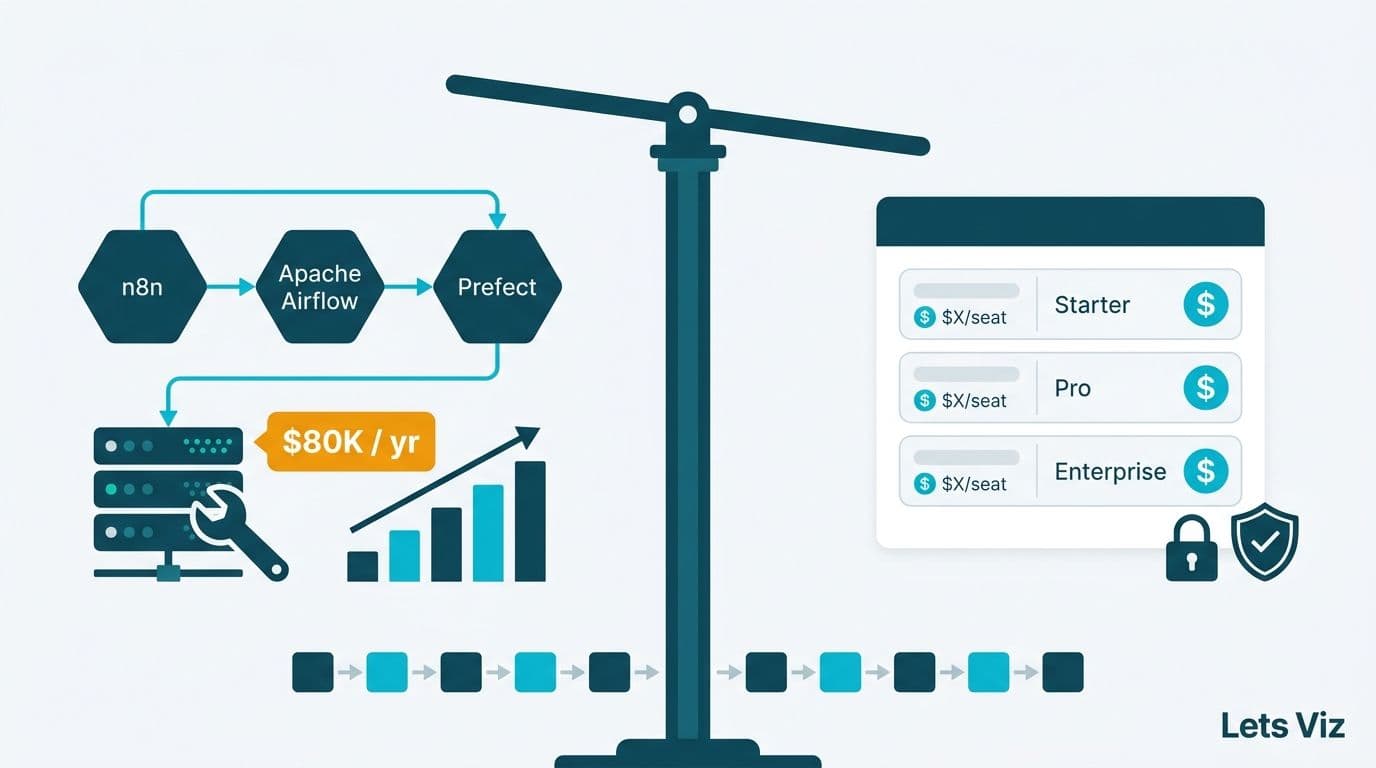
How does n8n compare to Zapier, Make, or custom ETL tools?
Many SMEs ask: Why use n8n instead of Zapier or Make?
| Feature | n8n | Zapier | Make | Custom ETL (Airflow, Fivetran) |
|---|---|---|---|---|
| Pricing | Open-source, affordable hosting | Higher per-task pricing | Mid-range | Expensive enterprise-grade |
| Flexibility | Full API + code support | Limited | Good, but not open-source | High, requires engineers |
| Best For | SMEs needing custom dashboards | Simple automations | SME workflows | Enterprise data teams |
👉 For SMEs, n8n hits the sweet spot: powerful like ETL tools, but simpler and more affordable than Zapier.
For a deeper look, see our comparison: n8n vs Zapier vs Make.
Best Practices for Building n8n Marketing Dashboards
To maximize ROI, follow these practices:
- Start with a single KPI dashboard – e.g., Ad spend vs. leads generated.
- Use databases for storage – Don’t rely only on Google Sheets for large data.
- Implement data cleaning nodes – Standardize names, remove duplicates.
- Schedule workflows – Run data pulls daily/weekly to keep dashboards fresh.
- Set alerts – Send Slack/Email alerts if campaigns overspend.
- Document workflows – Keep track of each node’s purpose for easier scaling.
For workflow inspiration, check out our guide on Google Sheets to Slack automation with n8n.
Related Resources
- Explore our Custom AI & Automation Services for SMEs.
- See real Marketing Dashboard Examples.
- Learn how SMEs can leverage AI Prompts for Business Research.
Conclusion
Marketing dashboards are only as good as the data pipelines that feed them. For SMEs, manually updating spreadsheets is no longer sustainable. n8n offers a flexible, affordable, and scalable way to automate marketing data pipelines, enabling real-time dashboards without heavy IT investments.
By adopting n8n, SMEs can reduce manual reporting by 80%, cut errors, and empower leadership with faster, data-driven decisions.
No. n8n is a workflow automation tool, not a visualization platform. It feeds clean data into BI tools, which handle dashboards and visualization.
n8n supports self-hosting, meaning your data never leaves your infrastructure. This makes it more secure than SaaS-only automation tools
Yes. You can begin by automating one report, then expand to full dashboards. n8n is modular and scalable
Basic workflows need no coding, but having some technical support helps for API-based integrations.
Popular choices include Google Data Studio, Power BI, and Tableau. All can connect to databases filled by n8n.
Yes, if you need customized, scalable data pipelines. Zapier is easier for small tasks, but less flexible for dashboards.
Start with a small project, like automating your Google Ads spend report into Google Sheets, then scale up. Or contact an AI automation partner like Lets Viz for setup support.