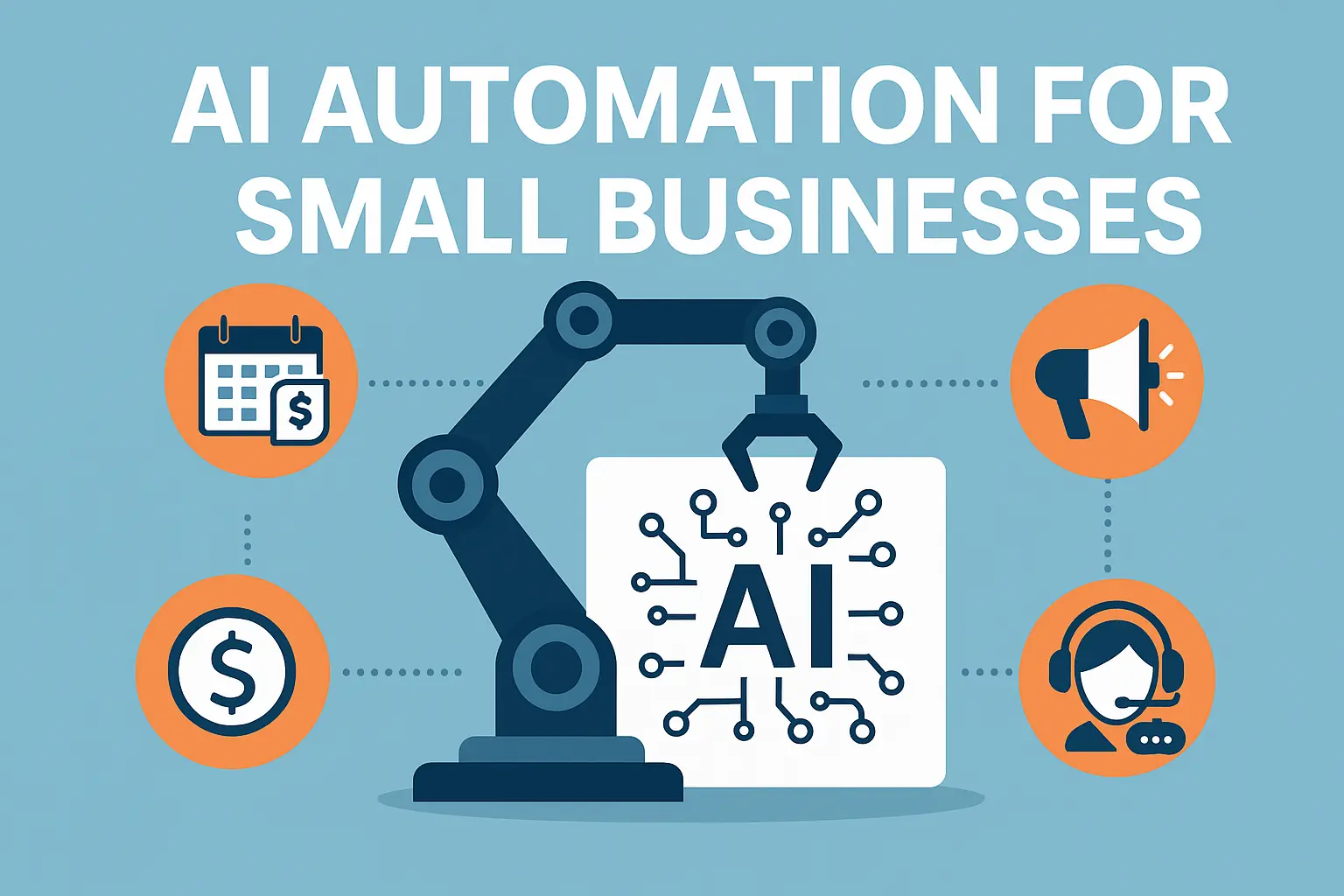
AI Automation for Small Businesses
Running a small business means wearing many hats. From chasing payments to managing leads to answering customer questions, the workload can be overwhelming. That’s where AI automation comes in. It doesn’t just save time — it helps small businesses work smarter, cut costs, and compete with bigger players.
What Is AI Automation?
AI automation combines two powerful ideas:
-
Automation → Technology that follows clear rules to complete tasks without human input.
-
Artificial Intelligence (AI) → Technology that learns from data and makes smarter decisions over time.
When combined, you get AI automation: workflows that run automatically but also adapt to changing situations.
Example: Instead of just sending payment reminders on fixed days, AI automation can prioritize which customers to chase first, based on their past payment behavior.
Why Small Businesses Should Care
Small businesses often think AI is “too advanced” or “only for big companies.” The truth? Many affordable tools already include AI features, and automation platforms make them easy to use.
Here’s why it matters:
-
Time savings: Free up hours every week by automating repetitive tasks.
-
Cost reduction: Do more with smaller teams.
-
Fewer errors: Reduce manual mistakes in finance, sales, or support.
-
Better decisions: AI insights help you act on data, not guesswork.
Examples of AI Automation in Small Businesses
1. Finance & Accounting
-
Invoice Reminders: Automate late payment emails; AI predicts who is most at risk of delaying.
-
Expense Categorization: AI auto-sorts expenses into categories (meals, travel, supplies).
-
Cash Flow Forecasting: AI analyzes past inflows/outflows and predicts cash shortages.
-
Fraud Detection: AI flags unusual transactions before approval.
2. Marketing
-
Social Posting: Schedule posts automatically; AI picks the best time for engagement.
-
Ad Budget Optimization: AI reallocates budget from underperforming ads to better ones.
-
Content Summaries: AI turns long reports into short blog drafts.
-
Customer Segmentation: AI groups customers by purchase behavior to send tailored campaigns.
3. Sales
-
Lead Routing: Automatically assign leads to sales reps by geography.
-
Lead Scoring: AI ranks leads by likelihood to convert.
-
Proposal Drafting: AI creates a first draft of a proposal from CRM notes.
-
Follow-Up Reminders: Automation triggers reminders when leads go quiet for X days.
4. Customer Support
-
Ticket Classification: AI tags tickets as “billing,” “technical,” or “general.”
-
Chatbots: AI answers FAQs 24/7.
-
Escalation Triggers: Automation flags high-priority tickets for managers.
-
Sentiment Analysis: AI detects angry customers and alerts support.
5. HR & Recruitment
-
Resume Screening: AI highlights the top 10 candidates automatically.
-
Onboarding Automation: New hire receives welcome emails, account setup, and task checklist.
-
Exit Surveys: AI analyzes reasons for attrition from employee feedback.
-
Shift Scheduling: AI predicts workforce needs and auto-creates schedules.
Best Tools for AI Automation
The good news is you don’t need to build from scratch. There are tools that make AI automation accessible for small businesses:
| Tool | Pricing (approx) | Best For | Example of Automation |
|---|---|---|---|
| Zapier | Free + from $20/mo | Connecting 5,000+ apps with no code | AI writes a blog summary → auto-send to Slack |
| Make (Integromat) | Free + from $9/mo | Complex, visual workflows | Facebook Ads → AI summary → auto-email |
| n8n | Free (self-hosted) + $20/mo cloud | Open-source, customizable automations | AI tags support tickets → send to Trello |
| Vapi | Usage-based pricing | AI phone & voice agents | Late payment → Vapi bot calls customer |
| Tidio | Free + from $29/mo | Website live chat + AI chatbots | Answer FAQs + capture leads overnight |
| ManyChat | Free + from $15/mo | Messenger, Instagram, WhatsApp bots | Auto-reply product queries with pricing |
| Airtable + AI | Free + from $10/mo | Simple databases + AI tagging | AI auto-scores leads “hot/warm/cold” |
| Zoho Flow | Free + from $10/mo | SMEs using Zoho ecosystem | AI analyzes sentiment in Zoho Desk tickets |
| HubSpot AI | Free CRM + AI in paid tiers | Marketing + sales automation | Drafts follow-up emails from lead activity |
| Pabbly Connect | Free + from $19/mo | Affordable Zapier alternative | Auto-convert blog posts into LinkedIn posts |
| Chatfuel | Free + from $15/mo | Messenger & web chatbots | AI answers sales questions → books meeting |
| Landbot | Free + from $30/mo | Conversational forms & lead capture | AI qualifies leads on site → route to sales |
| ActiveCampaign (AI) | From $29/mo | Email marketing + AI optimization | AI personalizes send times for each contact |
| Tars | From $49/mo | Conversational landing pages | Replace static forms with AI chat intake |
| Flowise | Free + open-source | Custom AI chatbots (LangChain) |
Upload KB → create AI chatbot for website |
These tools let you connect your existing apps (Gmail, QuickBooks, Slack, etc.) and add intelligence without hiring a full IT team.
How to Get Started (90-Day Roadmap)
Days 1–30: Quick Wins
-
Choose one repetitive process (reporting, reminders, or ticket routing).
-
Automate it with Zapier or Make.
-
Track time saved.
Days 31–60: Add AI “Assistants”
-
Use AI for recommendations: lead scoring, suggested replies, or anomaly detection.
-
Keep humans in the loop to approve.
Days 61–90: Move to AI Automation
-
Let AI and automation work together without constant checks.
-
Example: AI predicts late payment → automation sends reminders + schedules follow-up call via Vapi.
-
Measure results against your baseline.
Common Mistakes to Avoid
-
Jumping to complex AI first. Start small, automate rules, then add AI.
-
Ignoring data quality. Clean, structured data makes AI effective.
-
No ownership. Appoint an internal “AI Champion” to guide adoption.
-
Not measuring ROI. Always compare before and after results.
AI automation is no longer just for large enterprises. Small businesses can use it today to cut costs, work smarter, and compete better. The secret is starting small, choosing the right tools, and building confidence step by step.
👉 Ready to explore AI automation for your small business? Check out our AI Consulting Services
AI automation combines artificial intelligence with rule-based automation. It helps small businesses save time by running tasks automatically, while AI makes those tasks smarter by learning from data and adapting to changes.
AI automation reduces repetitive manual work. For example, invoices can be sent automatically, leads can be scored by AI, and customer questions can be answered by chatbots. This cuts labor costs, lowers error rates, and allows employees to focus on higher-value work.
Finance: Predicting late payments and sending reminders.
Sales: Scoring and routing leads automatically.
Marketing: Optimizing ad spend and personalizing emails.
Support: Chatbots that answer FAQs and escalate urgent issues.
HR: Screening resumes and automating onboarding.
Popular low-code tools include Zapier, Make, n8n, Pabbly Connect, Tidio, ManyChat, Vapi, HubSpot AI, and Flowise. They let you link apps, add AI intelligence, and run workflows without heavy coding.
Not at all. Many tools offer free plans or start as low as $10–20/month. SMEs can begin with one or two processes, measure ROI, and scale up gradually without big upfront investment.
Start with a simple 90-day plan:
30 days: Automate one repetitive process (e.g., email reminders).
Next 30: Add AI assistance (e.g., lead scoring or AI summaries).
Final 30: Let AI + automation work together (e.g., AI predicts late payment, automation sends reminders + schedules Vapi calls).