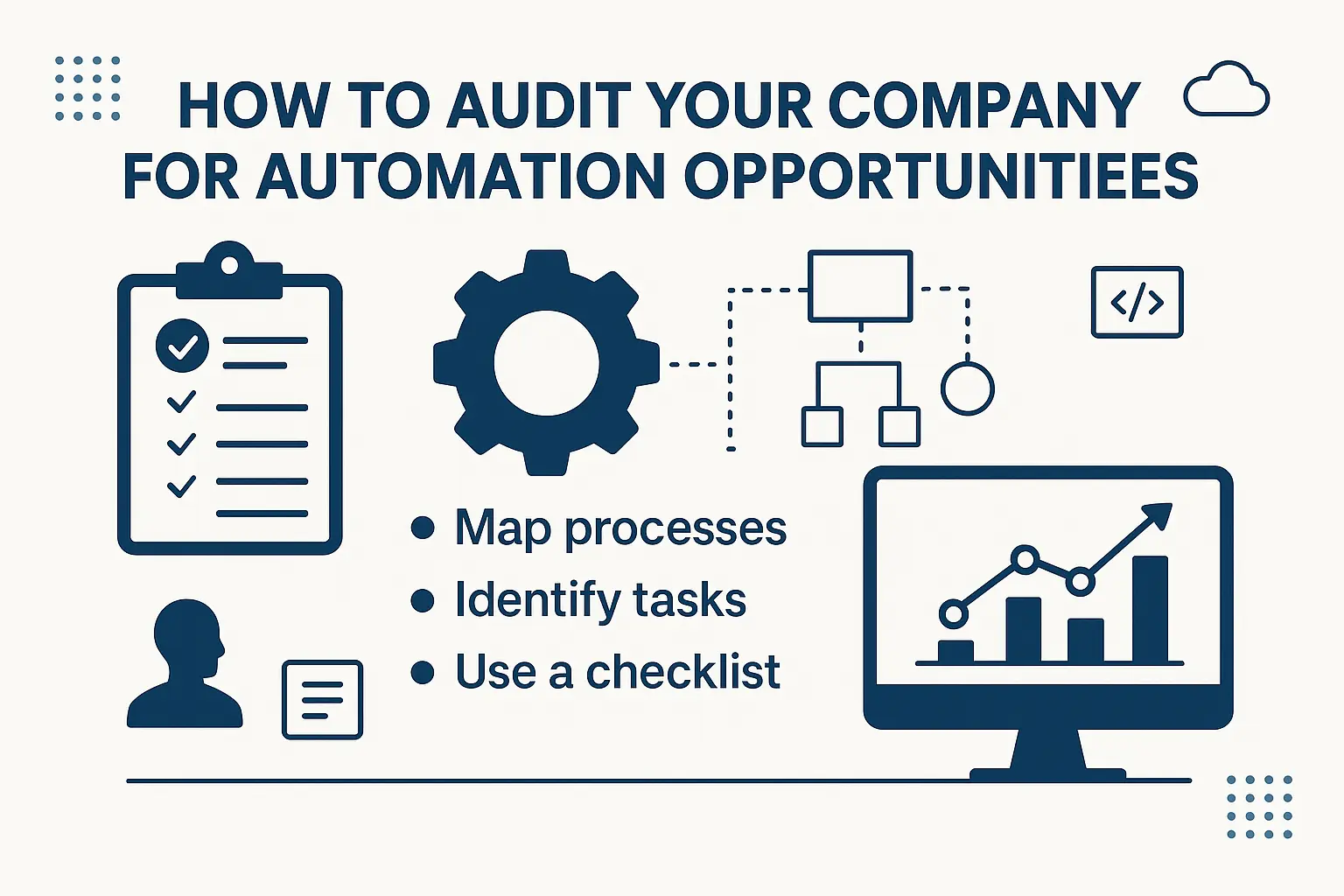
How to Audit Your Company for Automation Opportunities (Free Checklist)
TLDR
Auditing your company for automation opportunities means reviewing every workflow, department, and repetitive task to see where technology can replace or augment human effort. The process is not just about adopting new tools — it’s about identifying inefficiencies, reducing costs, and freeing up employees for more valuable work.
The automation audit checklist includes six steps:
Map business processes.
Spot repetitive, rule-based tasks.
Quantify time and cost impact.
Evaluate technology fit.
Assess change management needs.
Prioritize high-impact areas.
This blog walks you through each step with a ready-to-use checklist, examples, and practical insights for SMEs and mid-sized businesses. Use it to evaluate your automation readiness, avoid tool-first mistakes, and build an automation roadmap that drives real ROI.
Why Automation Audits Matter
Most small and mid-sized businesses (SMEs) waste 20–30% of staff time on repetitive tasks such as data entry, approvals, or manual reporting (McKinsey, 2023). That translates to hundreds of hours lost every year and missed opportunities to innovate.
The problem is not whether to automate, but what to automate first. Many companies rush into buying tools like Zapier, n8n, or RPA platforms without a clear process audit. The result? Low adoption, wasted budgets, and fragmented workflows.
An automation audit helps you map processes, quantify inefficiencies, and identify automation-ready tasks before making any investments. This structured approach ensures automation delivers measurable value instead of becoming “yet another software subscription.”
In this guide, we’ll break down exactly how to run an audit for automation opportunities and provide a free checklist to get you started.
What Does an Automation Audit Mean?
An automation audit is a structured review of business processes to identify:
Where manual tasks are slowing operations.
Which activities are repetitive and rule-based.
What workflows are prone to human error.
How much time and money inefficiencies cost.
Which technologies could deliver the most impact.
In simple terms, it’s like a health check for your workflows. Instead of applying automation everywhere, an audit ensures you focus on areas with the highest ROI and lowest resistance.
This is especially critical for SMEs, where budgets are limited and each automation decision must count.
Why Should You Audit Before Automating?
Jumping straight into automation without auditing can backfire. Here’s why a structured audit is essential:
Avoid wasted investments: Buying tools without clear use cases leads to shelfware.
Identify quick wins: Some processes can deliver ROI in weeks if automated.
Reduce change resistance: Employees are more open when changes target painful tasks.
Prioritize by ROI: Not every process is worth automating; audits help you pick the right ones.
Ensure compliance: Some tasks involve sensitive data where automation needs safeguards.
📌 Related: n8n vs Zapier vs Make – SME Automation Comparison
Step-by-Step Automation Audit Checklist
Below is the 6-step audit framework, followed by a downloadable checklist table.
Step 1 – Map Business Processes
Start by documenting your workflows. This should cover:
Departments (Finance, HR, Marketing, Sales, Operations).
Key processes (e.g., invoice approvals, employee onboarding, customer service tickets).
Tasks performed, who does them, and how long they take.
👉 Pro Tip: Use business process mapping tools or even simple spreadsheets to capture details.
Step 2 – Spot Repetitive, Rule-Based Tasks
Look for tasks with these traits:
High volume (done frequently).
Low complexity (rule-based, structured).
Error-prone (manual entry, approvals).
Examples:
Finance: Accounts payable, reconciliations.
HR: Resume screening, leave approvals.
Sales: CRM updates, lead qualification.
Customer Service: Standard email responses.
Step 3 – Quantify Time & Cost
Use simple metrics to evaluate impact:
Average handling time per task.
Frequency (daily, weekly, monthly).
Cost per task (employee hours × wage rate).
Error correction cost.
📊 Example: If employees spend 10 hours weekly on manual report creation at $30/hr → $15,600 annually. Automating reporting saves both time and money.
Step 4 – Evaluate Technology Fit
Not every automation tool fits every task. Consider:
RPA (Robotic Process Automation) for rule-based tasks.
Workflow Automation (Zapier, n8n, Make) for integrations.
AI-driven tools for unstructured data (e.g., chatbots, invoice scanning).
Dashboards for real-time monitoring.
📌 Explore: Marketing Dashboard Examples
Step 5 – Assess Change Management Needs
Automation is as much about people as it is about tools.
Will employees need reskilling?
Are managers supportive?
Is there compliance risk?
How will results be communicated?
Planning adoption reduces resistance and ensures smoother rollouts.
Step 6 – Prioritize High-Impact Areas
Finally, score tasks on:
Time saved.
Cost reduction.
Risk reduction.
Scalability.
Prioritize tasks with fast payback (<6 months) and measurable impact.
Free Automation Audit Checklist
Here’s a ready-to-use checklist to guide your audit.
| Step | Checklist Item | Status (Yes/No) | Notes |
|---|---|---|---|
| 1. Map Processes | Have all workflows been documented? | ||
| 2. Identify Repetitive Tasks | Are tasks repetitive, rule-based, or error-prone? | ||
| 3. Quantify Time & Cost | Have you calculated hours and costs per task? | ||
| 4. Evaluate Technology Fit | Is there a tool that fits the task? | ||
| 5. Assess Change Management | Do employees need training or support? | ||
| 6. Prioritize | Have you ranked tasks by ROI? |
Tools & Resources for Automation Audits
Automation Platforms: n8n, Zapier, Make.
BI Dashboards: For real-time process tracking (Marketing Dashboard Examples).
Consulting Services: Expert guidance ensures faster adoption (Custom AI & Automation Consulting).
Next Steps – Turning Audit Insights into Action
Running an audit is only the first step. The next is building a roadmap:
Start with 1–2 quick wins.
Scale to high-impact processes.
Train employees to manage automations.
Measure ROI quarterly.
If your team lacks bandwidth, consider partnering with a consulting firm like Lets Viz Technologies. Expert-led audits and automation roadmaps ensure sustainable adoption and measurable ROI.
Start by mapping out all business processes and identifying repetitive, manual tasks that consume time
Finance, HR, marketing, customer service, and operations are common starting points because they have rule-based, repetitive workflows.
Compare time and cost saved versus investment in tools or consulting. A 6–12 month payback is a strong benchmark.
No. Many affordable tools like n8n, Zapier, and Make provide low-cost entry points for automation.
Yes. Involving employees in identifying pain points makes them more open to adopting automation.
Not always, but consultants can accelerate audits, provide benchmarks, and ensure compliance alignment.