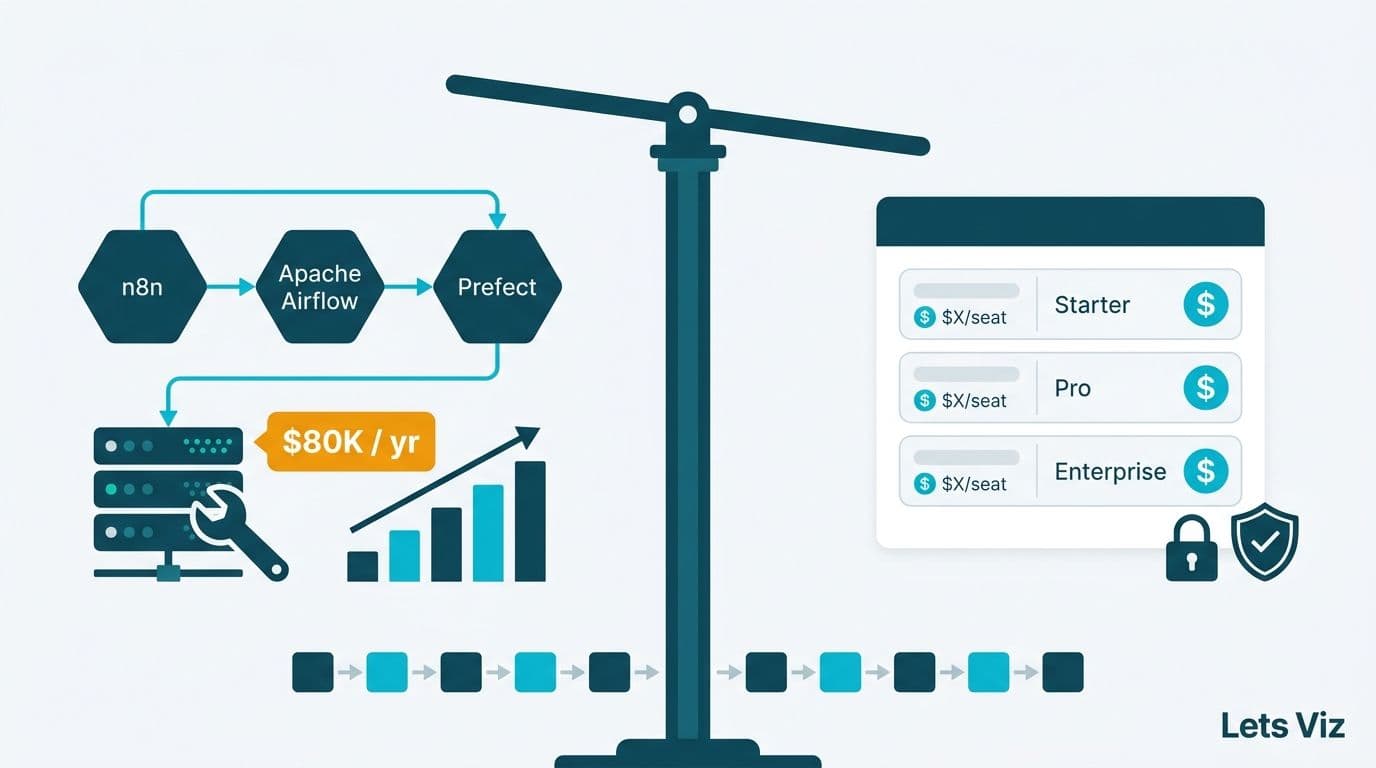
n8n vs Traditional RPA (UiPath, Power Automate): Cost & Flexibility
TLDR: Which is better – n8n or RPA tools like UiPath & Power Automate?
n8n is an open-source workflow automation tool that provides flexibility and cost-efficiency, making it highly attractive for SMEs and mid-sized businesses that need scalable automation without high license fees.
Traditional RPA platforms like UiPath and Power Automate excel in enterprise-grade automation with advanced governance, compliance, and AI integrations—but they often come with steep licensing costs and less customization flexibility.
👉 If your business needs budget-friendly, customizable workflows, n8n is a strong choice. If you operate in a regulated, enterprise-scale environment, RPA platforms may be worth the investment.
Introduction: Why Compare n8n with RPA Platforms?
Automation is no longer optional—it’s the backbone of efficiency in both small and large businesses. According to McKinsey (2023), companies that scale automation across functions can reduce operational costs by up to 30% while improving decision-making speed.
However, the automation landscape is shifting. While traditional RPA platforms like UiPath and Power Automate dominate enterprise workflows, newer workflow automation platforms like n8n are disrupting the market with open-source, flexible, and cost-effective solutions.
This article compares n8n vs traditional RPA tools (UiPath, Power Automate) in terms of cost and flexibility—helping SMEs, CFOs, and CIOs decide which tool aligns with their business automation strategy.
What is n8n?
n8n is an open-source workflow automation tool designed to connect APIs, services, and databases with minimal coding. Unlike RPA platforms that focus heavily on replicating human desktop tasks, n8n emphasizes API-first integration for modern SaaS ecosystems.
Key Features of n8n:
Open-source (free community edition, paid cloud options)
Over 350+ prebuilt integrations (e.g., Slack, Google Sheets, HubSpot)
Flexible: Supports custom JavaScript for advanced logic
Scalable: Can run on-premises or in the cloud
Best for: SMEs, startups, mid-market companies
Essentially, n8n is to workflows what WordPress is to websites—accessible, customizable, and community-driven.
What is Traditional RPA (UiPath, Power Automate)?
Robotic Process Automation (RPA) platforms like UiPath and Power Automate are designed to mimic human interactions with software applications—such as clicking, typing, and copying data.
UiPath: A leading enterprise RPA solution offering AI-powered automation, process mining, and orchestration tools. Best for large-scale automation with governance requirements.
Power Automate (Microsoft): A low-code automation platform tightly integrated with the Microsoft ecosystem (Office 365, Dynamics, Azure). Ideal for companies already invested in Microsoft infrastructure.
Key Features of RPA Platforms:
Advanced bot orchestration
Desktop and web UI automation
AI & ML integrations (document processing, vision)
Enterprise-grade compliance and governance
Best for: Enterprises, regulated industries, global corporations
RPA tools are powerful, but they come with high licensing costs and vendor lock-in risks.
Cost Comparison: n8n vs RPA (UiPath, Power Automate)
1. Licensing & Subscription Fees
n8n:
Free for self-hosted (community edition)
n8n Cloud: Starts around $20–$50/month per user (scales by workflows)
UiPath:
Starts at $420/month per user for automation developer licenses
Enterprise licensing can cost $20,000+ annually
Power Automate:
Starts at $15 per user/month (limited flows)
Premium automation: $40–$100 per user/month
👉 Verdict: n8n is 10–20x cheaper than enterprise RPA platforms for SMEs.
2. Infrastructure Costs
n8n: Self-hosted version requires minimal infrastructure (can run on a $10/month VPS).
RPA: Often requires server orchestration, bot management infrastructure, and IT governance tools.
3. Scaling Costs
n8n: Cost-effective scaling since workflows are API-based.
RPA: Scaling bots increases licensing fees linearly, making it costly for SMEs.
Flexibility Comparison: n8n vs RPA
1. Workflow Customization
n8n: Highly flexible, supports custom JavaScript functions and API calls.
RPA: Predefined activities, less customizable without heavy coding.
2. Integration Capabilities
n8n: 350+ integrations, plus open connectors for any REST API.
UiPath: Rich marketplace, but focused on enterprise integrations.
Power Automate: Strong for Microsoft ecosystem, weaker for non-Microsoft apps.
3. Deployment Options
n8n: Cloud, on-premises, Docker, self-hosted.
UiPath/Power Automate: Primarily cloud with enterprise orchestration layers.
👉 Verdict: n8n wins on flexibility, while RPA tools win on enterprise governance.
Use Cases: When to Use n8n vs RPA
Best Fit for n8n
SMEs automating CRM, marketing, and finance workflows
Startups integrating multiple SaaS apps cheaply
Businesses wanting low TCO (total cost of ownership) automation
Example: An e-commerce SME uses n8n to integrate Shopify, Slack, and Google Sheets for order tracking at <$50/month.
Best Fit for RPA
Enterprises in banking, insurance, healthcare needing compliance
Companies with heavy legacy desktop applications
Organizations needing end-to-end governance and audit trails
Example: A global bank uses UiPath to automate KYC processes with AI-powered document scanning and compliance monitoring.
Case Study Insights
SME Perspective (n8n):
A mid-sized marketing agency saved $15,000 annually by replacing Power Automate with n8n for CRM automation.Enterprise Perspective (RPA):
A Fortune 500 insurance firm saved 200,000 work hours annually using UiPath for claims processing, despite paying millions in licensing fees.
👉 Lesson: SMEs gain more ROI with n8n, while enterprises justify RPA with scale and compliance.
Framework for Decision-Making: n8n vs RPA
Here’s a decision framework to guide SMEs and enterprises:
| Factor | Best Fit: n8n | Best Fit: RPA |
|---|---|---|
| Budget | <$100/month | $20K+ annually |
| Flexibility | High (API-first) | Medium (structured bots) |
| Governance | Low–Medium | High |
| Deployment | Self-hosted, Cloud | Cloud, Enterprise |
| Use Cases | SaaS workflows, SMEs | Legacy systems, Enterprises |
Choosing between n8n, UiPath, and Power Automate is really an AI business process automation decision — the right answer depends on your stack, volume, and team.
More From Us:
Learn how we help SMEs with Custom AI & Automation Consulting.
Explore practical dashboards in our Marketing Dashboard Examples.
Read our guide on AI Prompts for Business Research.
Compare automation platforms in n8n vs Zapier vs Make.
See a real-world workflow in Google Sheets to Slack Integration Guide.
Yes, n8n is usually better for SMEs because it’s affordable, flexible, and easy to self-host. UiPath is more suitable for large enterprises with complex compliance needs
Power Automate is strong in Microsoft ecosystems, but n8n offers broader integration flexibility and lower costs.
n8n can cost as little as $20–$50/month, while UiPath and Power Automate can cost hundreds or thousands per user annually.
Yes, but with limitations. It lacks the deep governance, compliance, and orchestration features of UiPath.
The biggest advantage is cost savings and flexibility, especially for API-based workflows in SaaS-heavy environments
Yes, platforms like UiPath offer strong AI integrations (e.g., document intelligence, ML models), which n8n lacks natively.
Startups should start with n8n to keep costs low and only move to RPA if compliance or scale demands it.