What is n8n? Beginner’s Guide to Open-Source Workflow Automation
TLDR: What is n8n?
n8n (pronounced “n-eight-n”) is an open-source workflow automation tool that connects apps, APIs, and services to streamline repetitive tasks. It works like Zapier or Make but offers more customization, self-hosting, and data privacy. With over 350+ ready integrations, n8n lets you build automated workflows visually using drag-and-drop nodes — no heavy coding required. Businesses use it to automate marketing, finance, customer support, and even AI-driven processes. Unlike closed SaaS tools, n8n is flexible, scalable, and affordable for SMEs and enterprises.
Introduction: Why Businesses Need Automation
Every growing business hits a point where manual tasks slow down growth. Copy-pasting leads into CRMs, sending reminders, updating spreadsheets — all these activities consume time and reduce efficiency. According to McKinsey, 60% of occupations could automate at least one-third of their tasks with existing technology (McKinsey Report).
This is where workflow automation tools like n8n come in. Unlike traditional software, n8n gives businesses a no-code/low-code platform to connect apps and build workflows that run automatically in the background.
In this beginner’s guide, we’ll explore what n8n is, how it works, its features, use cases, and how you can get started with your first workflow.
What is n8n?
n8n stands for “node for node”, highlighting its node-based workflow builder. Each workflow is a series of connected nodes (apps, APIs, or logic steps).
In simple words:
Zapier = ready-made automation with limits.
n8n = open-source automation with endless flexibility.
It’s designed for both non-technical users (who can drag-and-drop nodes) and developers (who can extend workflows with custom code). This makes it one of the most versatile automation tools on the market.
How Does n8n Work? (Beginner’s Guide)
Visual Workflow Builder
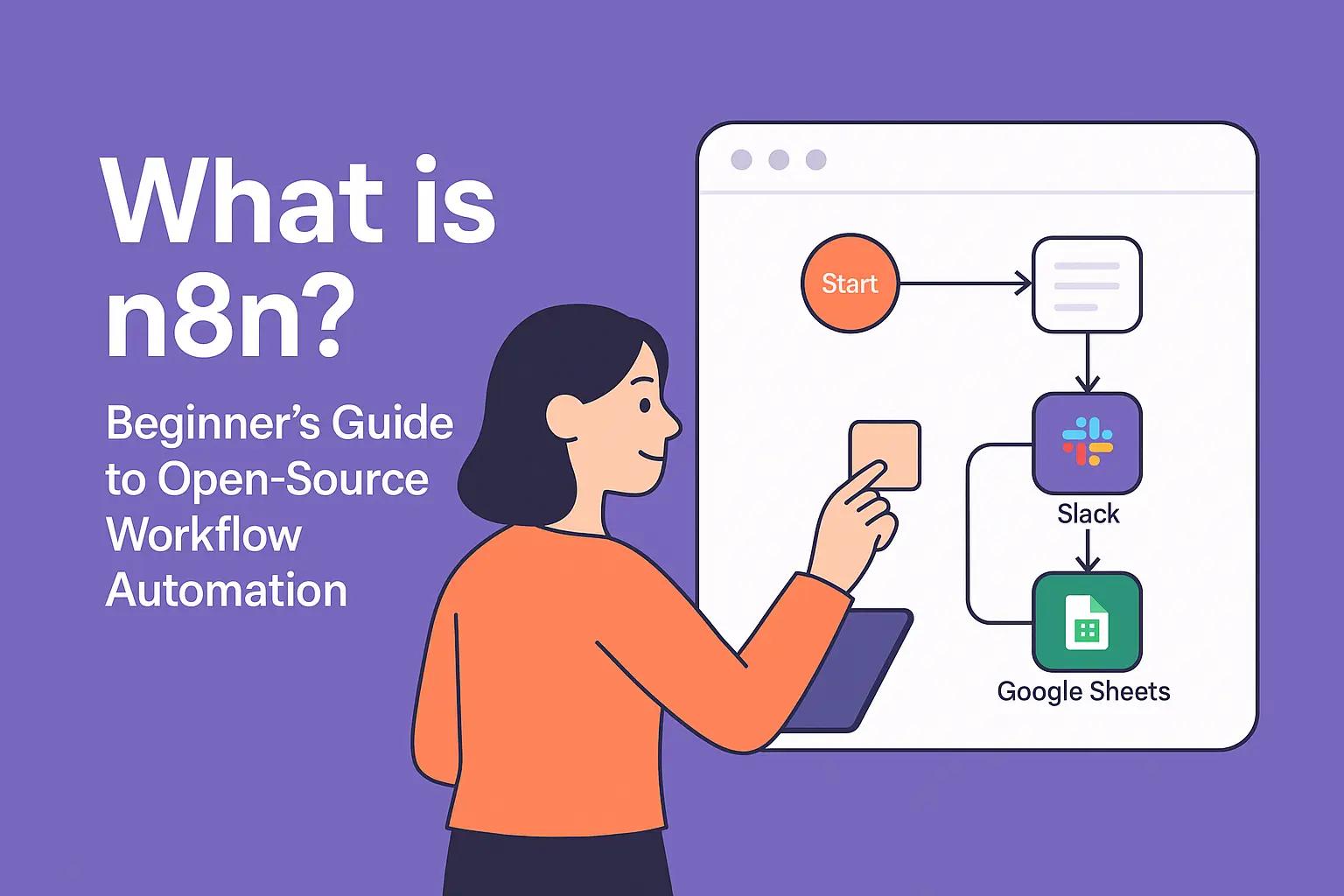
At its core, n8n offers a visual workflow editor. You start with a trigger (e.g., “new lead in LinkedIn”), then add actions (e.g., “enrich lead data with AI” → “send to CRM” → “notify on Slack”).
Think of it like building a flowchart — but instead of drawings, it executes real actions across apps.
Apps & Integrations
n8n supports 350+ integrations out-of-the-box:
Marketing tools (HubSpot, Mailchimp, Google Ads).
Productivity (Slack, Notion, Trello).
Databases (MySQL, PostgreSQL, Airtable).
AI & NLP tools (OpenAI GPT, Hugging Face).
And since it’s open-source, developers can build custom nodes for any API.
👉 SMEs often start with Cloud for simplicity, then migrate to self-hosted when workflows scale.
Key Features of n8n
Here are some standout features that set n8n apart from proprietary automation tools:
1. Open-Source & Self-Hosted
Unlike Zapier, n8n can be hosted on your own server. This gives you control over data privacy, compliance, and scalability—critical for regulated industries like finance or healthcare.
2. Fair-Code License
n8n uses a “fair-code” license, which means businesses can use it for free under certain conditions, but commercial use at scale may require a license. This model makes it far more affordable than proprietary SaaS tools.
3. Flexible Nodes & Integrations
With over 350+ prebuilt nodes, n8n supports popular apps like Gmail, Salesforce, HubSpot, Notion, Slack, and more. Developers can also build custom integrations.
4. Advanced Workflow Logic
n8n goes beyond “if-this-then-that” automations. It supports:
Conditional branching
Loops and error handling
Webhooks and triggers
Database and API calls
5. Visual Editor
The drag-and-drop workflow builder makes it accessible for non-technical users while still powerful enough for developers.
n8n vs Zapier vs Make: A Comparison
| Feature | n8n | Zapier | Make (Integromat) |
|---|---|---|---|
| Pricing | Free (self-hosted) | Paid (limited free plan) | Paid (limited free plan) |
| Hosting | Cloud & Self-Hosted | Cloud only | Cloud only |
| Open Source | ✅ Yes | ❌ No | ❌ No |
| Customization | High (code + nodes) | Low | Medium |
| Best For | SMEs, developers, privacy-focused teams | Non-technical users, quick setups | Visual automation fans, complex workflows |
This makes n8n an excellent choice for companies that want affordable automation with ownership and flexibility.
Practical Use Cases of n8n
Here are some real-world business scenarios where n8n shines:
1. Marketing Automation
Sync leads from Facebook Ads → HubSpot CRM → Slack.
Automate weekly email campaign performance reports using Google Analytics + Sheets.
For more advanced dashboard ideas, check our marketing automations:
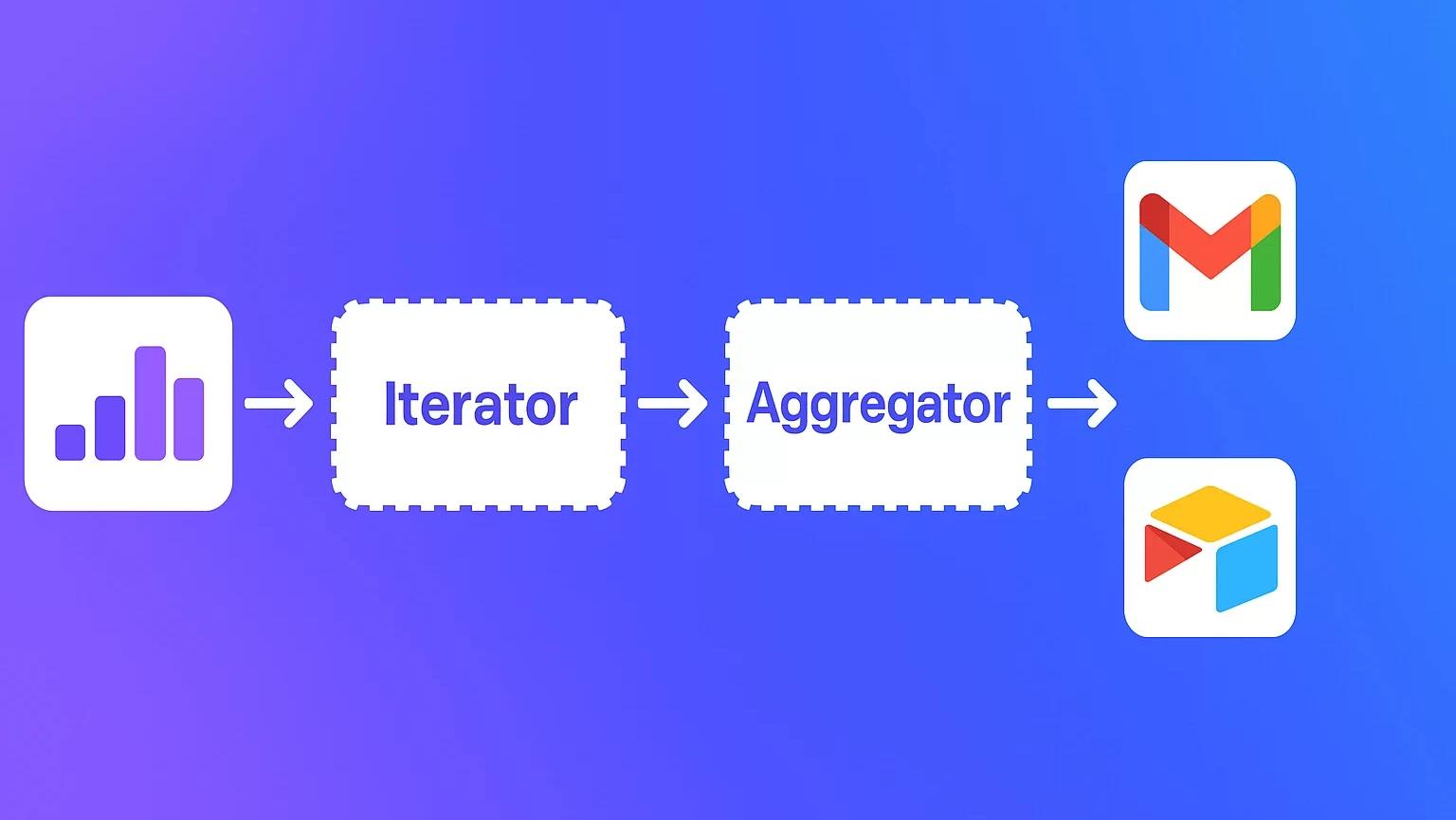
How to Automate Email Marketing with n8n (Zoho, Mailchimp, Gmail)
2. Finance & Operations
Connect accounting software (Xero, QuickBooks) with Google Sheets.
Automate invoice reminders via email or Slack.
3. Customer Support
Route Zendesk tickets → Slack channels → Notion task lists.
Trigger automatic customer feedback forms post-support.
4. AI & Business Intelligence
Combine n8n with AI prompts to extract insights from sales data or customer feedback.
Build an automated pipeline that sends queries to an AI model and stores results in a dashboard.
(Explore how AI can extend automation in our custom AI automation agency services.)
Benefits of Using n8n for SMEs
Cost-Efficient – Self-hosting removes expensive subscription costs.
Data Ownership – No third-party lock-in; compliance is easier.
Scalable – From simple workflows to enterprise-grade automation.
Customizable – Developers can add logic, conditions, and integrations.
Community Support – Large open-source community with plugins and tutorials.
According to a McKinsey study, businesses that embrace automation see 20–30% efficiency gains in repetitive workflows (McKinsey, 2023). For SMEs, that’s equivalent to saving weeks of manual effort every year.
How to Get Started with n8n
Choose Hosting – Cloud (easier) or Self-hosted (more control).
Install & Configure – Docker is the most common method for self-hosting.
Start Small – Automate a simple workflow like “new email → Slack alert.”
Expand – Connect CRM, databases, and reporting systems.
Monitor & Optimize – Use logging and error-handling features to refine workflows.
(If you’d like expert help setting this up, check our contact us page.)
n8n Limitations & Challenges
Learning curve: Requires more setup than Zapier.
Hosting needs: Self-hosting requires server knowledge.
Community size: Smaller than Zapier’s ecosystem.
But these are outweighed by cost savings, flexibility, and privacy control.
Future of Open-Source Workflow Automation
The rise of AI + automation is accelerating. Gartner predicts that by 2026, 75% of large enterprises will use open-source automation tools in their tech stack.
n8n is positioned to become the go-to open-source alternative for businesses that want affordable, scalable, and AI-ready automation.
Conclusion
n8n is more than just a Zapier alternative — it’s a powerful open-source workflow engine for SMEs and enterprises. With flexibility, scalability, and cost efficiency, it’s one of the best automation platforms available today.
If you’re starting small, try n8n Cloud. If you need privacy and scalability, go self-hosted.
👉 Ready to build your first automation? Contact Lets Viz to design workflows that save time and grow your business.
Yes, n8n is free under its fair-code license if you self-host. However, large-scale commercial use may require a license
Not necessarily. The drag-and-drop editor is beginner-friendly, but developers can add custom logic for advanced workflows.
Zapier is easier to set up but more expensive and limited. n8n offers self-hosting, deeper customization, and better data control.
Yes, with proper hosting infrastructure, n8n can scale to handle enterprise-grade automations.
SMEs, startups, and regulated industries (like healthcare and finance) where cost, compliance, and customization matter most.
Yes, you can connect n8n with AI models via APIs to create intelligent workflows (e.g., automated summarization or predictive analytics)
You can explore n8n’s official documentation or check blogs like our AI prompts for business research for applied automation use cases.