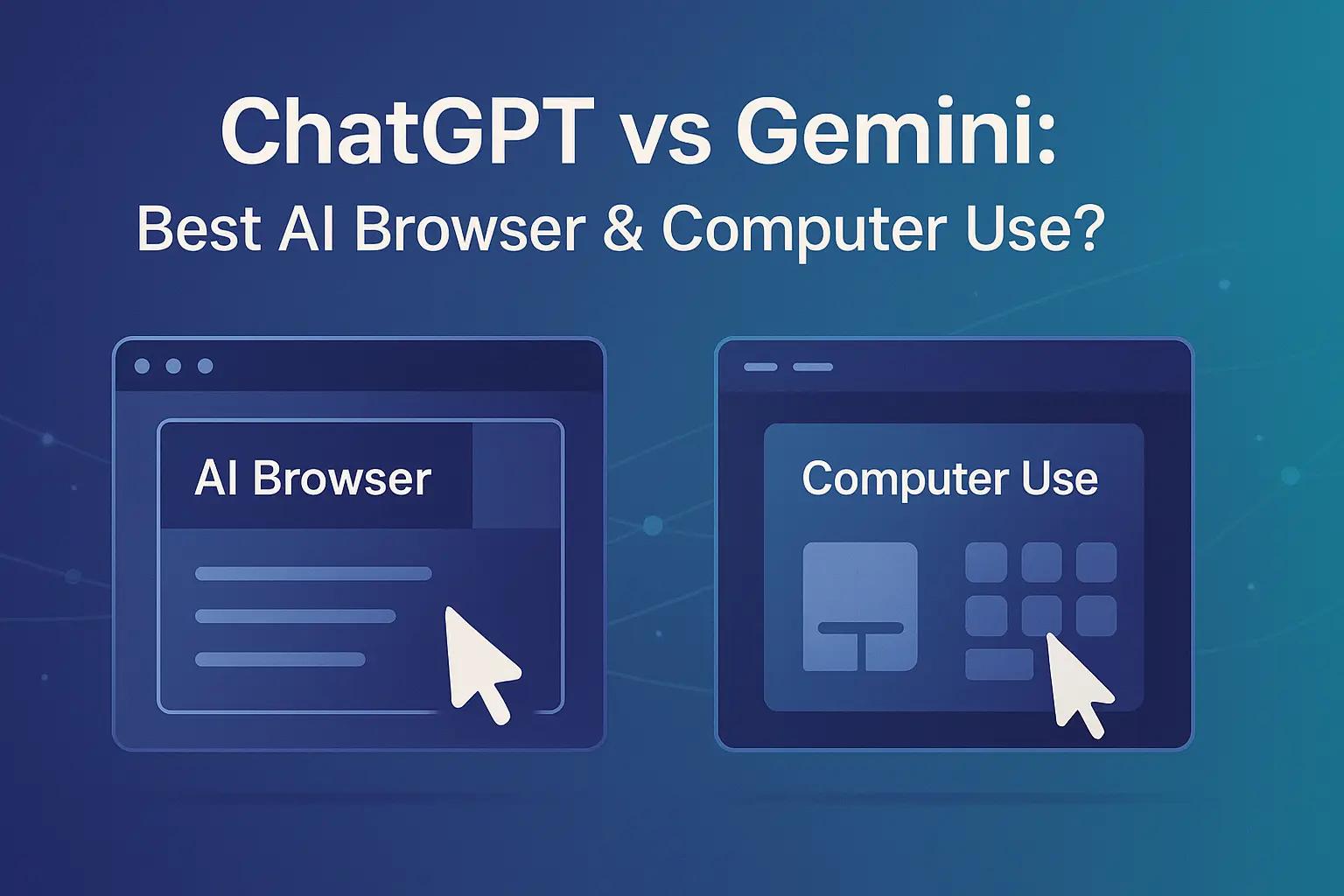
ChatGPT vs Gemini: Best AI Browser & Computer Use?
If you want fast, conversational answers with clear sources inside the response, ChatGPT (with ChatGPT Search and the Atlas desktop browser) is the best all-rounder for everyday browsing. If you prefer structured, long-form investigations tightly connected to the Google ecosystem, Gemini (with Deep Research, Grounding, and Gemini in Chrome) is excellent for multi-page briefs. For “computer use”—agents that click, type, and navigate UIs—both platforms are now capable; pick based on stack fit and governance needs.
Definitions:
AI Browser Tool: The assistant’s web access mode that finds, reads, and returns linked sources for your query, so you can verify claims quickly.
Computer Use (Agentic Control): A model’s ability to see the screen (via screenshots), then act (click, type, scroll) to complete tasks across websites or apps when no clean API exists.
Why this matters: Leaders don’t just want “answers”—they want verifiable answers and the ability to finish the task online: fill forms, download files, update portals, and hand back an audit trail. This comparison focuses on practical choices: speed vs depth, sources vs convenience, and how well each platform fits Chrome, macOS, and mixed-tool environments.
Introduction
Most teams spend hours hopping between tabs to research, copy notes, and push buttons on the web. AI browsing compresses research time by surfacing source-linked answers inside the chat, while computer-use agents finish the last mile: clicking through pages to submit forms or export files. ChatGPT and Gemini both cover these needs, but they emphasize different strengths. This guide compares their browsing experience, research depth, “computer use” capabilities, costs, and ecosystem fit—then gives you a simple decision framework and a setup checklist you can apply this week.
How does basic web browsing compare?
ChatGPT: Quick answers with sources + a dedicated AI browser
ChatGPT Search focuses on concise, source-linked answers and smooth follow-ups. It handles newsy queries, product lookups, and general fact-finding well.
ChatGPT Atlas (Mac) is a first-party AI browser with ChatGPT built in. You can ask the model to explain a page, summarize a PDF, or compare tabs without juggling extensions.
Model options (e.g., GPT-4o and newer reasoning models) handle browsing, file analysis, and tool use inside a single thread.
Where it shines: Everyday executive questions, fast competitive checks, “explain this page,” and lightweight due diligence with links you can open to verify. If your team prefers a dedicated AI browser, Atlas is compelling.
Gemini: Deeper, more structured research inside your Google world
Deep Research runs multi-page investigations and returns organized briefs with sections, lists, and links.
Grounding with Google Search focuses the model on live web content and improves verifiability.
Gemini in Chrome is an overlay that understands current page context and works across tabs.
Where it shines: Complex comparisons (e.g., policies across many sites), long-form briefs, and teams already living in Chrome and Google Workspace.
What about “computer use” (agents that click and type)?
ChatGPT’s Computer-Using Agent (CUA)
Designed to see the UI and act—clicks, keystrokes, scrolling, uploads—while staying in one agent flow alongside web search and file tools.
Strong for legacy web tasks: portal updates, data entry, quick audits across sites, and one-off workflows.
Gemini’s 2.5 Computer Use
An agent model that proposes UI actions (click/type) from screenshots and page context.
Pairs naturally with Search Grounding and Deep Research, making it attractive for a Google-first stack.
Bottom line: Both handle web control reliably. Choose by ecosystem and how you plan to observe, approve, and log agent actions.
Feature Matrix: Browser & Computer Use (at a glance)
| Capability | ChatGPT (Search + Atlas + CUA) | Gemini (Deep Research + Chrome + 2.5 Computer Use) |
|---|---|---|
| Everyday Q&A with sources | Excellent conversational answers with linked sources | Strong with structured outputs and sources panel |
| Dedicated browser UX | Atlas (Mac) is a full AI browser | Gemini in Chrome overlay inside your existing browser |
| Deep multi-page research | Good depth via follow-ups; more conversational | Best-in-class for long, organized briefs |
| Computer use (click/type) | CUA integrates with browsing and files in one agent | 2.5 Computer Use integrates cleanly with Google stack |
| Ecosystem fit | Flexible; Atlas is macOS-only | Ideal for Chrome + Workspace shops |
| Multimodal | Real-time voice/vision and tool use | Strong multimodal with rapid iteration |
Which is better for everyday browsing with sources?
Choose ChatGPT if you want fast answers with inline sources and like the idea of a dedicated AI browser. For leaders who ask “just show me the top three links I should open,” it’s hard to beat.
Choose Gemini if you need longer, structured reviews and want Chrome/Google Search to anchor the experience. It’s excellent for policy or vendor-to-vendor comparisons.
What if I need an AI that can operate the browser for me?
Pick ChatGPT + CUA if you want one agent to search + click + type + analyze files in the same thread. Ideal for operations teams automating web chores without APIs.
Pick Gemini 2.5 Computer Use if your stack is Google-centric and you want to combine Grounding and Deep Research with UI actions in a Chrome-native workflow.
Accuracy, governance, and security (practical view)
Verification: Make it policy that responses must return 2–4 links and that humans open at least two.
Guardrails for agents: Log screenshots and action traces; require approval on sensitive steps (e.g., changing prices, publishing live content).
Prompt hygiene: Use page-scoped instructions, restrict untrusted content execution, and add allow-lists for domains the agent may act on.
Speed, cost, and UX trade-offs
Speed: ChatGPT emphasizes real-time conversational speed; Gemini emphasizes low-latency control for computer-use benchmarks and steady long-form synthesis.
Cost: Real costs are dominated by tool calls (browsing, file parsing) and action retries for agents. Start with a small pilot and track cost-per-task.
UX preference:
Want a standalone AI browser? Choose Atlas.
Want AI inside Chrome? Choose Gemini in Chrome.
Pros & Cons (at a glance)
ChatGPT (Search, Atlas, CUA)
Pros: Best everyday Q&A with linked sources; dedicated AI browser; strong multimodal; one agent can search + act.
Cons: Atlas is macOS-only; always verify by opening links; guard against prompt-injection attempts.
Gemini (Deep Research, Chrome, 2.5 Computer Use)
Pros: Outstanding deep research docs; Chrome-native ergonomics; strong grounding; competitive computer-use latency.
Cons: Outputs can be heavier than needed for quick answers; best experience assumes Google stack.
One-Shot Prompts (ready to use)
Role: Senior AI Research Assistant
Task: Produce a 1-page executive brief with sources and an action list.
You are a Senior AI Research Assistant.
Goal: Produce a one-page executive brief on {TOPIC}.
Constraints:
- Use web browsing; include 5–7 bullet findings with inline links.
- Add a "So What" section (2–3 bullets) and "Next Actions" (3–5 items).
- Prefer sources from the last 18 months; show the publication month next to each link.
Role: Agentic Web Operator
Task: Update pricing across partner portals; return an audit bundle.
You are an Agentic Web Operator.
Objective: Update product pricing for SKU set {LIST} on portals A, B, C.
Steps:
1) Log in and capture a BEFORE screenshot of each pricing page.
2) Edit fields; validate confirmation messages.
3) Export/download final pages; capture AFTER screenshots.
4) Return an audit ZIP with screenshots + a CSV change log.
Guardrails: Stop on errors; request human approval if T&C changes are detected.
Role: Comparative Analyst
Task: Run Deep Research vs ChatGPT Search side-by-side and summarize differences.
Compare outputs from:
A) Gemini Deep Research
B) ChatGPT Search
Deliver:
- 6 bullet summary of differences in detail, freshness, and gaps.
- Table with source counts, average source age, and link types (news, docs, blogs).
Next steps:
Explore AI consulting & agent builds: Lets Viz Technologies → Custom AI & Automation Services
See live marketing dashboards & KPIs you can plug agents into → Marketing Dashboard Examples
Learn GEO (Generative Engine Optimization) basics for AI search → AI Search (GEO): How It Works
For concise, conversational answers with links, ChatGPT Search feels faster. Gemini excels when you need a longer, structured brief.
Yes. Both return links so you can verify. Make it policy to open at least two
Both are credible. Choose based on stack fit: ChatGPT CUA for mixed tools and files; Gemini 2.5 Computer Use for Chrome/Workspace workflows.
Yes. Both handle product lookups and summarize reviews; always check live retailer pages for current pricing
Use human approvals, domain allow-lists, and screenshot logs. Treat AI outputs as advisory and verify before acting
If your org lives in Chrome and Workspace, Gemini in Chrome is handy. If you want a dedicated AI browser on Mac, Atlas is compelling.
Both support voice, vision, and tool use. Test with your real tasks and measure time-to-decision.